Guides
WhatsApp Business API Alternative: Hypersender vs Meta
A WhatsApp Business API alternative without template approval or per-message fees. Hypersender compared with Meta, and when Meta fits better.
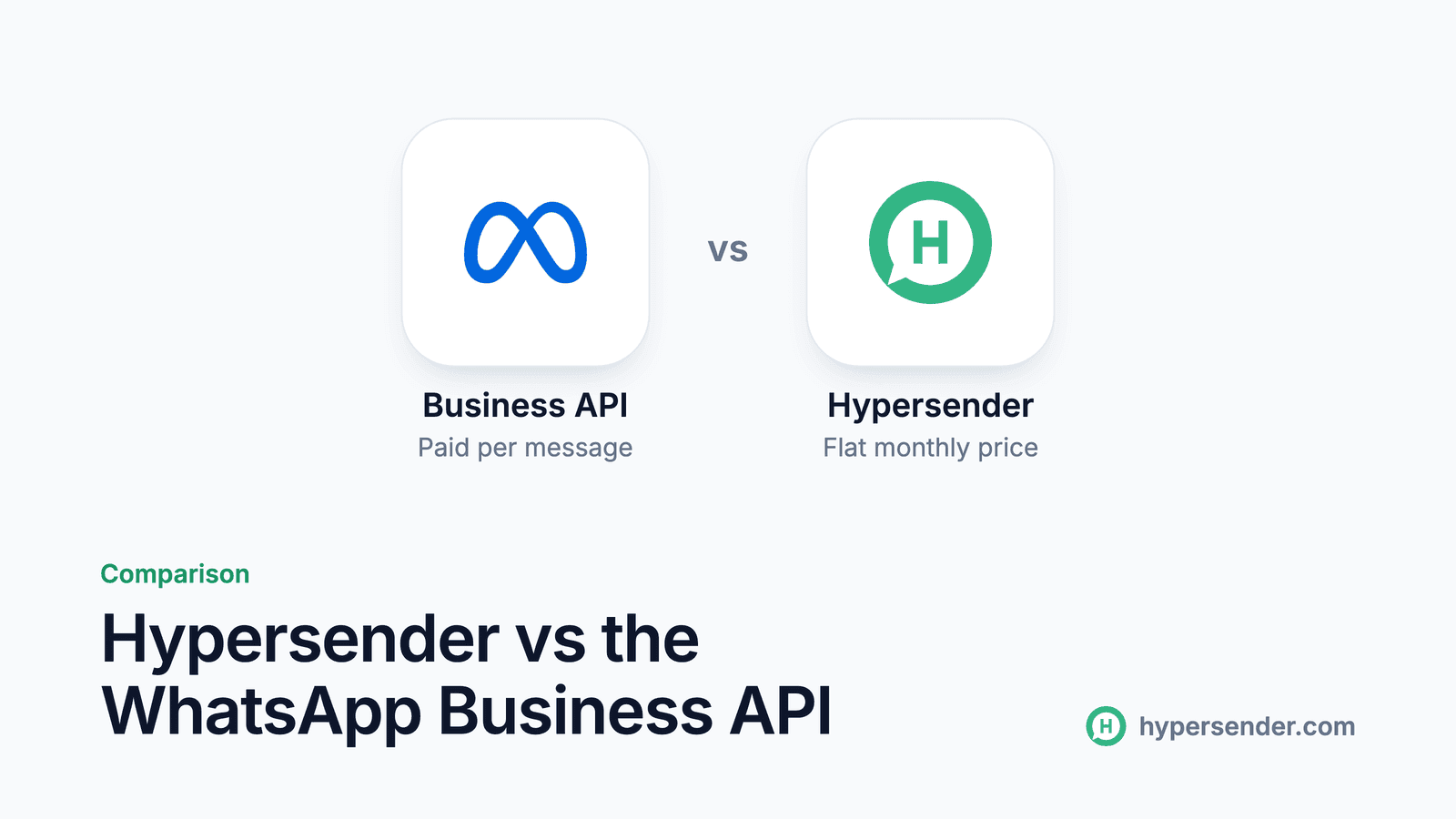
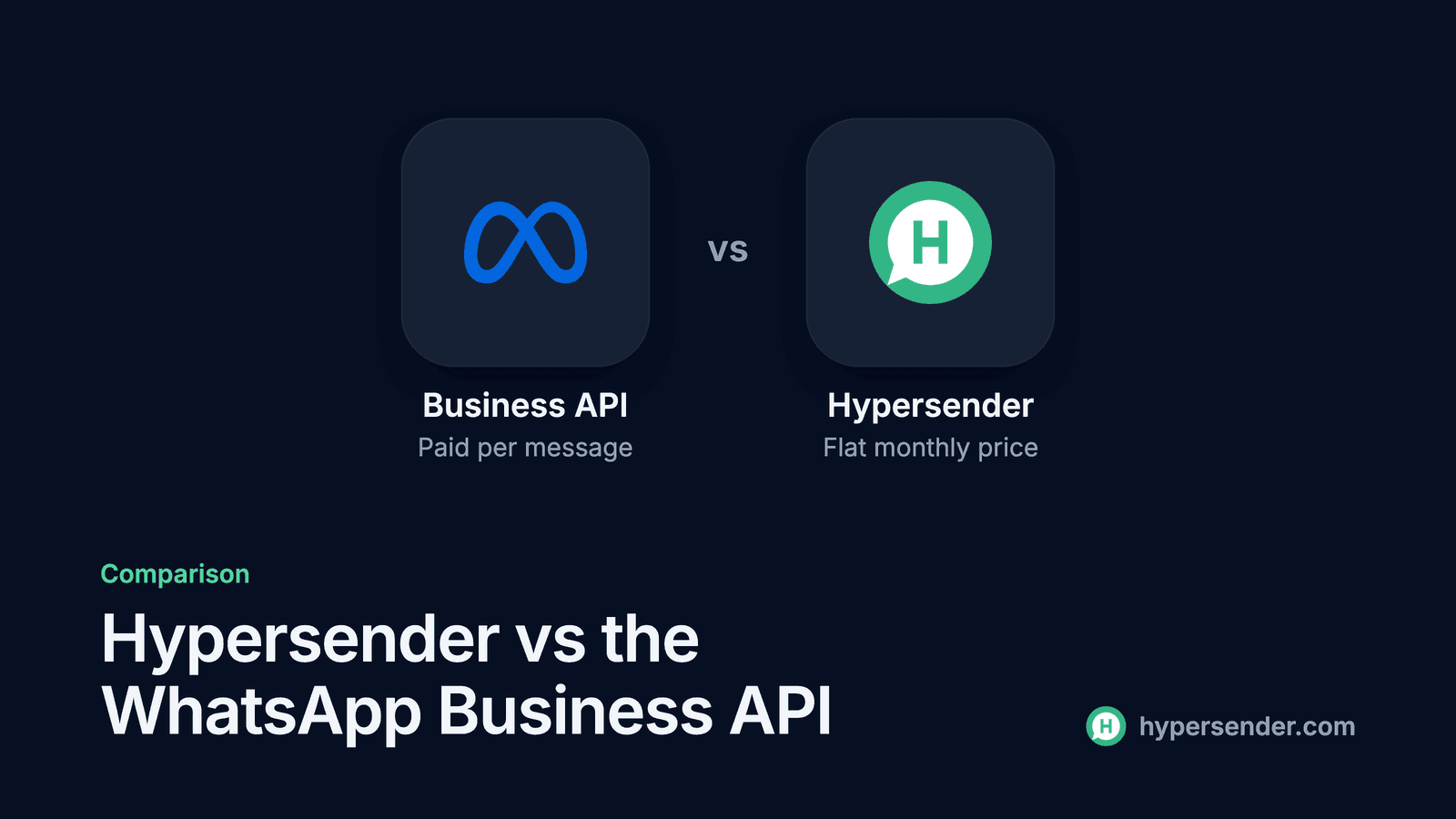
A WhatsApp Business API alternative makes sense when you want to send from code without waiting for Meta to approve templates or paying for each message. Hypersender is one: you connect the WhatsApp number you already use by scanning a QR code. Then you send and receive through a REST API, for a flat monthly price per number.
It is an unofficial WhatsApp API, and that trade-off matters. This page compares the two, including the cases where Meta's platform wins.
How each one works
Meta's WhatsApp Business Platform, often called the WhatsApp Business API or Cloud API, is the official route. You register a number with Meta directly or through a provider such as Twilio. Meta charges for template messages, and verifying your business raises your sending limits. Messages you start outside a customer's 24-hour service window must use a template that Meta approved first.
Hypersender links your number the way WhatsApp Web does, as a linked device. The phone keeps WhatsApp or WhatsApp Business installed, and the API sends from that account.
There are no templates and no approval step. Text, images, files, voice notes, locations and polls all go through the same API.
Hypersender vs Meta's WhatsApp Business API
| Meta's WhatsApp Business Platform | Hypersender | |
|---|---|---|
| Setup | Meta business portfolio, phone number registration, display name review | Scan a QR code in the dashboard |
| Business verification | Needed to raise your sending limits | Not needed |
| First message to a customer | Approved template only | Any message |
| Price | Meta's fee per template message, by category and country, plus your provider's fees | From $9.99 per number per month, unlimited messages |
| Your number | Moves to the platform | Stays on your phone, in the app you already use |
| Official status | Official, with a path to a verified business badge | Unofficial. WhatsApp's normal rules and bans apply |
| Support for very large campaigns | Built for it | Not built for it |
See all plans on the WhatsApp API pricing page.
When Meta's platform is the better choice
Pick the official WhatsApp Business API, or a provider built on it, if you:
- Send marketing campaigns to large lists of customers who opted in.
- Need the verified business badge, or your legal or security team requires an official Meta product.
- Can't accept any risk of the number being banned.
- Already have a provider contract and approved templates that work.
When Hypersender fits better
- You want to send from a number customers already know, and see the same chats on your phone.
- Most of your messages are replies, notifications and one-to-one conversations, and template approval slows you down.
- You want a fixed monthly cost. Per-message fees are hard to budget when volume changes.
- You're a developer who wants to start today. There are SDKs for Laravel, Node.js, Python and Go, an n8n node, and an MCP server for AI assistants.
- You also need SMS from your own Android phone or an OTP API, in the same account.
The trade-offs of an unofficial WhatsApp API
- WhatsApp can ban a number that sends spam, whatever tool sent it. Messages people expect, sent at a human pace, keep the risk low. Read how to avoid a WhatsApp number ban.
- Meta can restrict how many new contacts a number may message. Hypersender shows message capping and timelock restrictions in the dashboard and the API, with the time left.
- The phone that owns the number has to open WhatsApp at least once every 14 days. If it doesn't, WhatsApp logs out its linked devices, the API included.
- Messages travel end-to-end encrypted between WhatsApp devices. Hypersender's servers are one of your linked devices, so they handle message content to pass it to your API and webhooks.
Send your first message
Connect a number in the dashboard, then call the API:
curl -X POST "https://app.hypersender.com/api/whatsapp/v2/{instance}/send-text" \
  -H "Authorization: Bearer <token>" \
  -H "Content-Type: application/json" \
  -d '{"chatId": "201xxxxxxxxxxx@c.us", "text": "Your order #1042 has shipped."}'
Incoming messages reach your server through webhooks. The API reference lists every endpoint.
The Twilio alternative page works through real monthly costs if you're comparing providers on price.
Create a Hypersender account. The free trial runs for 14 days for WhatsApp, with up to 100 messages a day.