Hypersender

Messaging APIs

WhatsApp APISend and receive from your own numberSMS gateway appApproved on Google Play, Android 9 to 16OTP APICodes and WhatsApp sign-in links

Build with it

MCP serverWhatsApp and SMS from your AI assistantIntegrationsn8n, AI assistants and SDKsWhatsApp API pricingPlans, and per-message costs comparedDocsAPI reference and setup guides
SDKsLaravelNode.jsPythonGon8n

WhatsApp

CRM integrationPayment remindersOrder updatesWhatsApp OTPIncoming message webhooksWhatsApp AI chatbotWhatsApp automationMessaging from Laravel

SMS

Appointment remindersSMS OTPFilter and tag SMSSMS forwardingSMS gateway appAndroid SMS gateway
All use cases
WhatsApp link generatorA short chat link with a ready message, a QR code with your logo and a button for your website.WhatsApp message templatesReady messages for orders, appointments and payments, with a builder that checks them against Meta's rules.WhatsApp text formatterBold, italic, strikethrough, lists and quotes, with keyboard shortcuts and a live iPhone preview.SMS character counterCharacters, SMS parts and GSM-7 or Unicode, plus the characters that make a message longer.Phone validatorCheck if a number is valid, see its country and line type, and copy it in E.164 or WhatsApp format. Works on lists too.Name decorationStylish versions of a name in English or Arabic for PUBG, Free Fire, Instagram and TikTok.
All free tools

Company

BlogGuides, tutorials and comparisonsAbout HypersenderWho we are and how we workFAQsShort answers to common questions

Community

Latest postNovember 28, 2026How to Send Bulk Messages on WhatsApp Without Getting BannedHow to send bulk messages on WhatsApp with broadcast lists, paid broadcasts or an API, and the opt-in and pacing rules that keep your number safe.Read the post
PricingDocs
Sign InGet Started
Hypersender

Product

  • Features
  • Use cases
  • MCP server
  • Pricing
  • WhatsApp API pricing
  • SDKs
  • Integrations
  • Docs

Free tools

  • WhatsApp link generator
  • WhatsApp message templates
  • WhatsApp text formatter
  • SMS character counter
  • Phone validator
  • Name decoration
  • All tools

Resources

  • About Hypersender
  • FAQ
  • Blog
  • Discord
  • WhatsApp

Legal

  • Terms and Conditions
  • Privacy Policy
Featured onFeatured on LaunchAFFeatured on LaunchAFFeatured on Twelve ToolsFeatured on Twelve Tools

© 2026 Hypersender. All rights reserved.

GET IT ONGoogle Play
HypersenderHypersenderHypersenderHypersenderHypersender
All use cases

Hypersender uses

WhatsApp automation from your own number

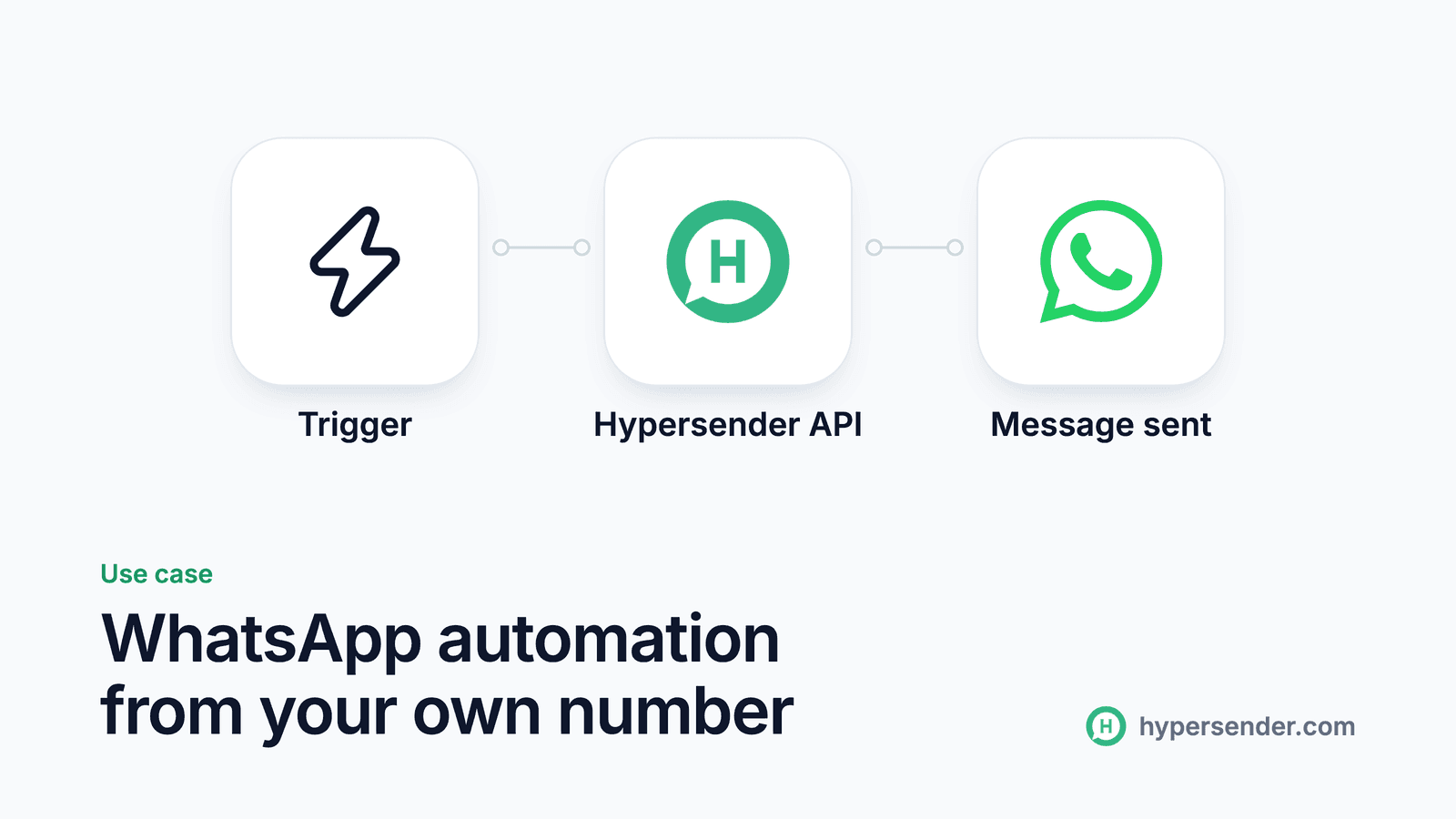
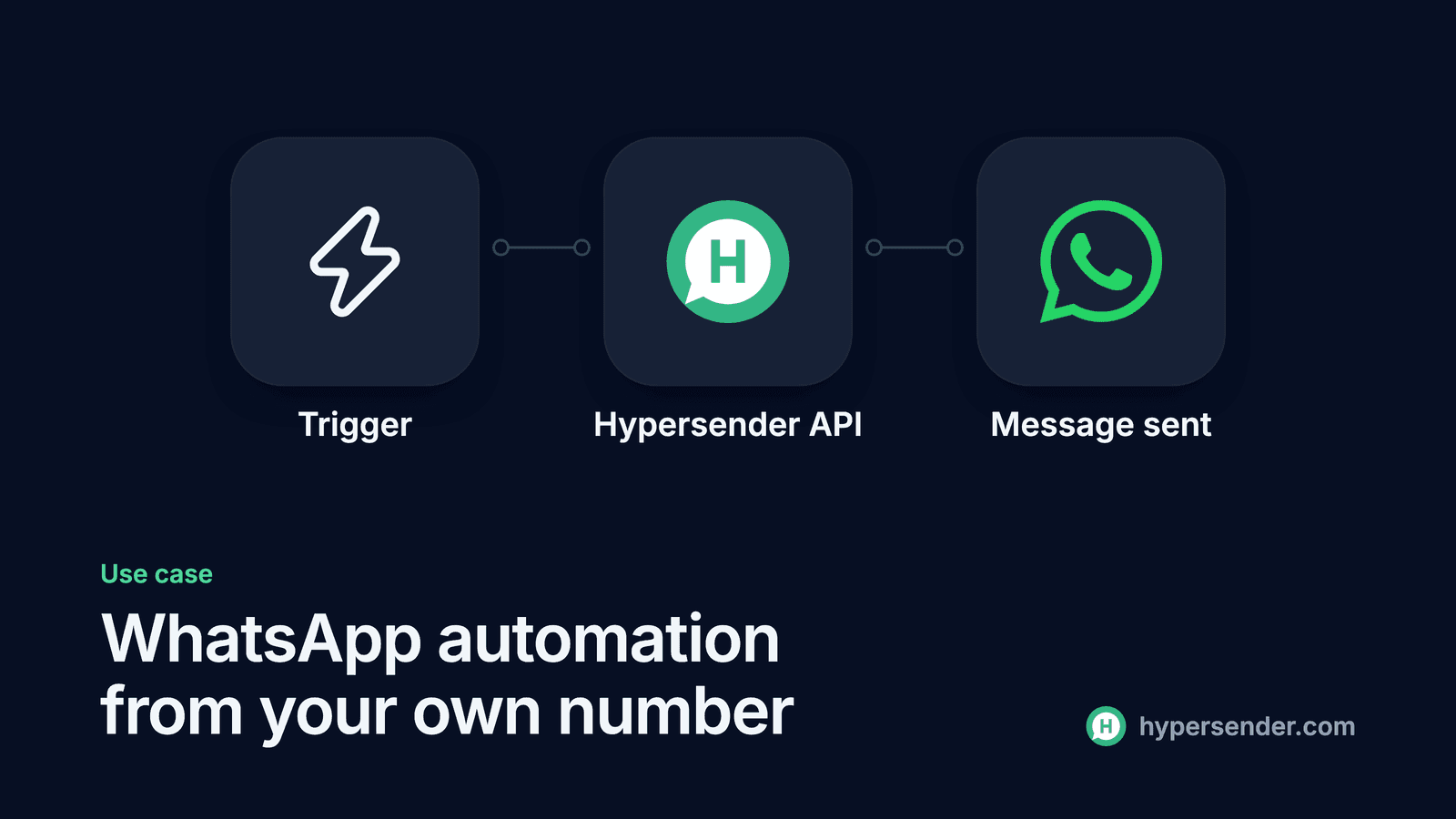
WhatsApp automation with Hypersender sends and answers messages for you: an order update when an order changes, a reminder before a booking, a code when someone signs in, a reply when a customer writes. Your app or an n8n workflow calls the API from your own WhatsApp number, and every incoming message reaches your webhook.

Start with HypersenderView pricing
WhatsApp automation from your own numberWhatsApp automation from your own number

How this workflow fits

What you can automate

Anything your system already knows about can become a WhatsApp message, and every reply can start a new step.

  • Order, delivery and payment updates when the status changes in your shop or billing system.
  • Appointment reminders and confirmations, with replies that confirm or move the booking.
  • Sign-in and verification codes through the OTP API.
  • Auto-replies, menus and an AI chatbot that answers common questions, with a hand-off to a person.

Three ways to build it

Pick the one your team is comfortable with. They all use the same number and the same webhook events.

  • No code: the Hypersender node for n8n sends from any workflow, and its trigger starts one when a message arrives.
  • Your code: SDKs for Laravel, Node.js, Python and Go, or plain REST calls from any language.
  • AI: an n8n AI agent, or the Hypersender MCP server in Claude, ChatGPT or Cursor.

Keep automated messages safe

Automation sends more messages, faster, and that is when numbers get reported. Message people who opted in, keep the pace human, and let anyone stop with one reply.

  • Use send-text-safe, which shows typing and waits a moment before each message.
  • Remove anyone who replies STOP before the next automated send.
  • Pass a chat to a person when the customer asks for one or the bot isn't sure.
Set up the Hypersender n8n nodeReceive messages with a WhatsApp webhookAnswer customers with an AI chatbotSend WhatsApp from n8nAuto-reply and greeting templatesSchedule WhatsApp messages

Start Sending WhatsApp and SMS Messages Today

Start a free trial: 14 days for WhatsApp and 28 days for SMS, with up to 100 messages a day.

Contact SalesGet Started