Hypersender

Messaging APIs

WhatsApp APISend and receive from your own numberSMS gateway appApproved on Google Play, Android 9 to 16OTP APICodes and WhatsApp sign-in links

Build with it

MCP serverWhatsApp and SMS from your AI assistantIntegrationsn8n, AI assistants and SDKsWhatsApp API pricingPlans, and per-message costs comparedDocsAPI reference and setup guides
SDKsLaravelNode.jsPythonGon8n

WhatsApp

CRM integrationPayment remindersOrder updatesWhatsApp OTPIncoming message webhooksWhatsApp AI chatbotWhatsApp automationMessaging from Laravel

SMS

Appointment remindersSMS OTPFilter and tag SMSSMS forwardingSMS gateway appAndroid SMS gateway
All use cases
WhatsApp link generatorA short chat link with a ready message, a QR code with your logo and a button for your website.WhatsApp message templatesReady messages for orders, appointments and payments, with a builder that checks them against Meta's rules.WhatsApp text formatterBold, italic, strikethrough, lists and quotes, with keyboard shortcuts and a live iPhone preview.SMS character counterCharacters, SMS parts and GSM-7 or Unicode, plus the characters that make a message longer.Phone validatorCheck if a number is valid, see its country and line type, and copy it in E.164 or WhatsApp format. Works on lists too.Name decorationStylish versions of a name in English or Arabic for PUBG, Free Fire, Instagram and TikTok.
All free tools

Company

BlogGuides, tutorials and comparisonsAbout HypersenderWho we are and how we workFAQsShort answers to common questions

Community

Latest postNovember 28, 2026How to Send Bulk Messages on WhatsApp Without Getting BannedHow to send bulk messages on WhatsApp with broadcast lists, paid broadcasts or an API, and the opt-in and pacing rules that keep your number safe.Read the post
PricingDocs
Sign InGet Started
Hypersender

Product

  • Features
  • Use cases
  • MCP server
  • Pricing
  • WhatsApp API pricing
  • SDKs
  • Integrations
  • Docs

Free tools

  • WhatsApp link generator
  • WhatsApp message templates
  • WhatsApp text formatter
  • SMS character counter
  • Phone validator
  • Name decoration
  • All tools

Resources

  • About Hypersender
  • FAQ
  • Blog
  • Discord
  • WhatsApp

Legal

  • Terms and Conditions
  • Privacy Policy
Featured onFeatured on LaunchAFFeatured on LaunchAFFeatured on Twelve ToolsFeatured on Twelve Tools

© 2026 Hypersender. All rights reserved.

GET IT ONGoogle Play
HypersenderHypersenderHypersenderHypersenderHypersender
All articles

Product updates

WhatsApp Account Restricted? How Timelock Works on the API

WhatsApp account restricted from messaging new contacts? What a timelock is, how long it lasts, and how Hypersender shows it in the dashboard and API.
Hypersender·Updated November 27, 2026·3 min read
WhatsApp account restricted: timelock warning in the Hypersender dashboardWhatsApp account restricted: timelock warning in the Hypersender dashboard
On this page
  1. What is a timelock
  2. What you see in your dashboard
  3. What your API calls see
  4. The "could not resolve recipient" error
  5. What to do

On this page

  1. What is a timelock
  2. What you see in your dashboard
  3. What your API calls see
  4. The "could not resolve recipient" error
  5. What to do

A WhatsApp account restricted by Meta can keep chatting with existing contacts but can't start new chats until a timer runs out. Meta calls this a timelock.

Hypersender detects it, so you know the moment your instance is restricted and exactly when the restriction ends.

What is a timelock

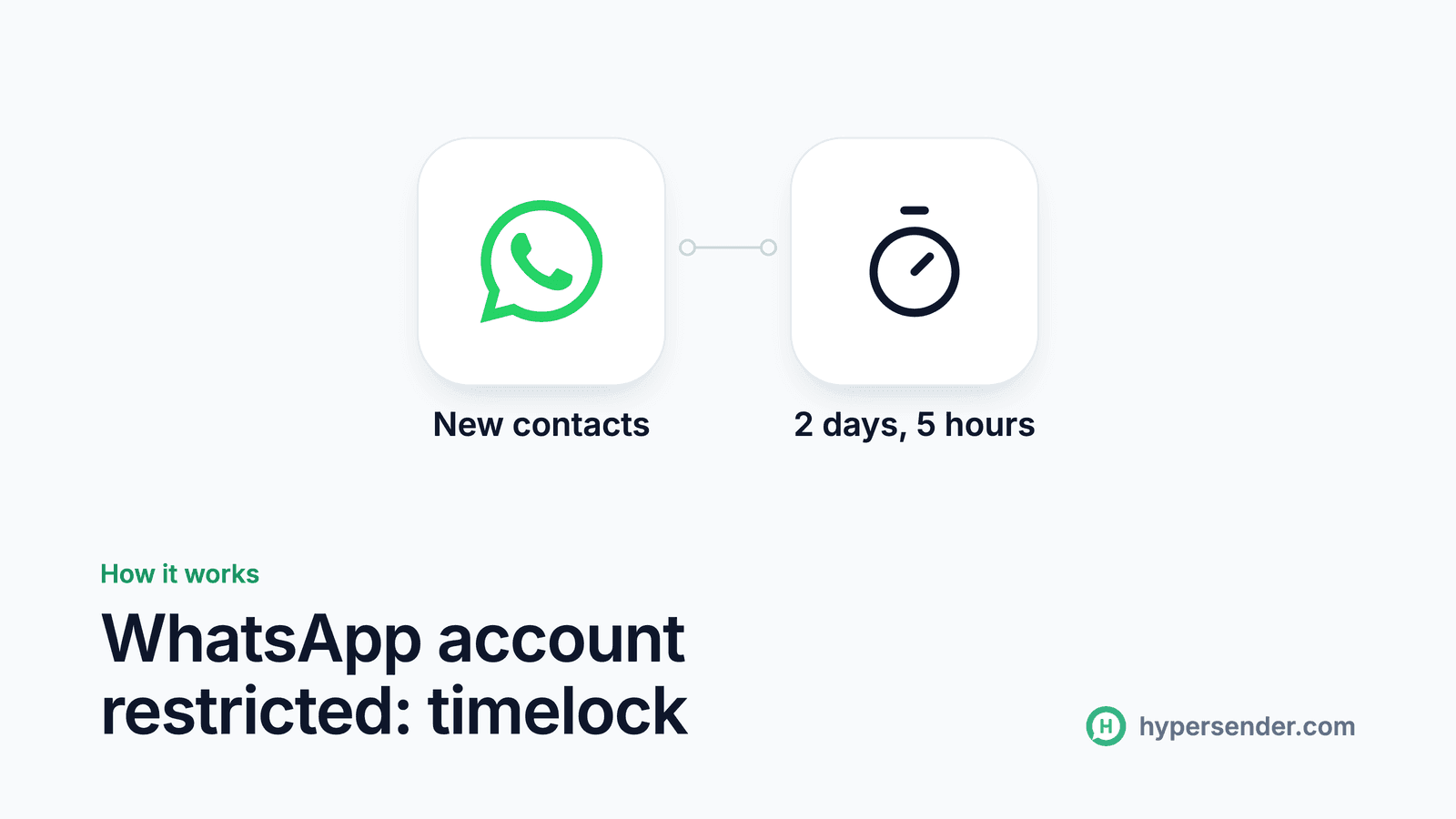
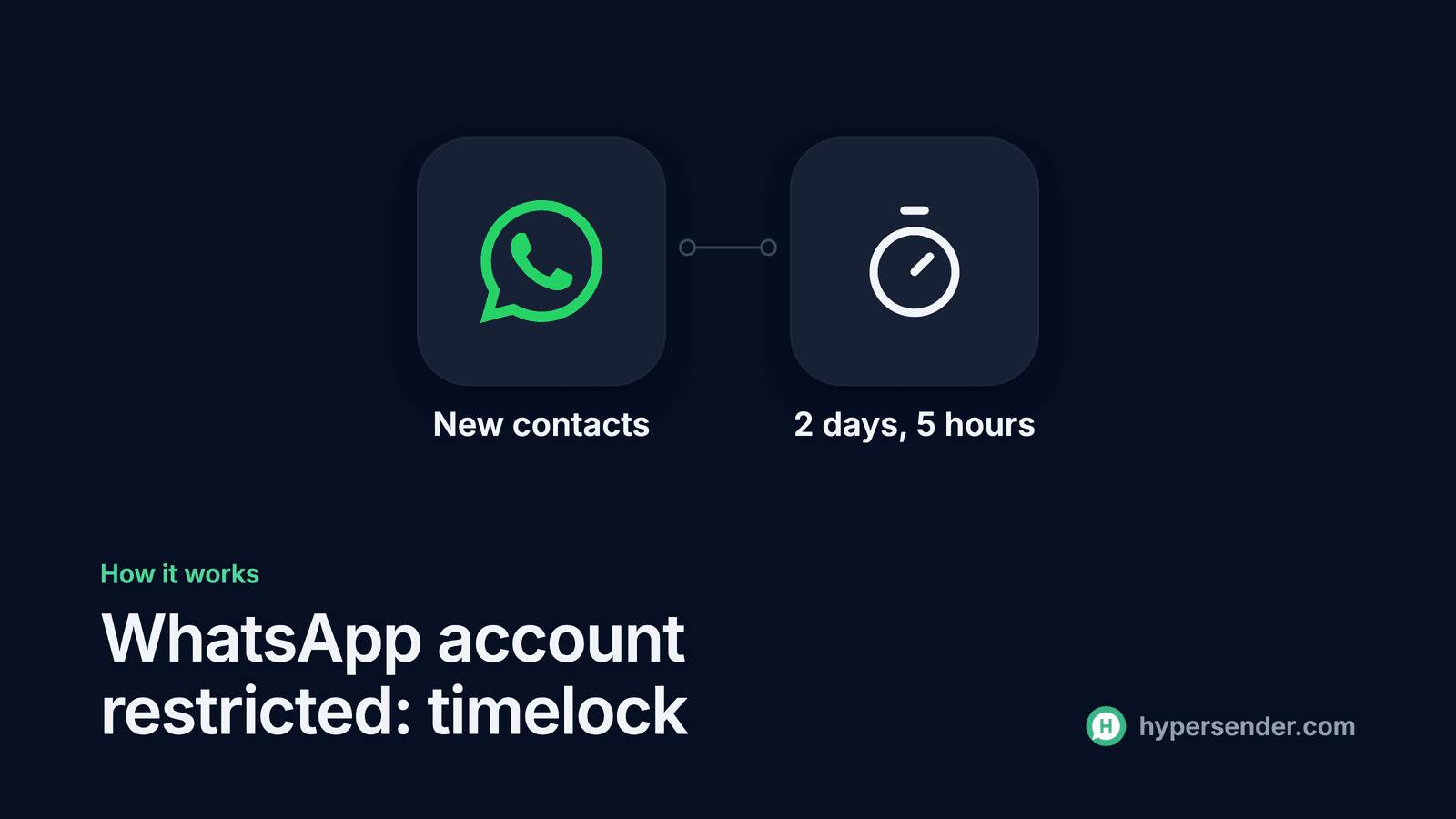
Meta can temporarily restrict your WhatsApp number from messaging new contacts. This is called a timelock. Existing conversations keep working. The restriction lifts on its own after a set period.

There are two levels. The lighter one restricts new contacts only. Your instance stays connected and existing chats work fine. The heavier one disconnects your session entirely. You need to scan a new QR code after the restriction ends before you can send anything again.

Hypersender cannot remove or shorten a timelock. Only Meta controls that.

What you see in your dashboard

When your instance gets hit with a timelock, a warning banner shows up on the connection page. It tells you the type of restriction, how much time is left (like "2 days, 5 hours remaining"), the exact date and time it expires, and whether you will need to scan a QR code.

We also send you an email. One per day at most while the restriction is active.

What your API calls see

If your app tries to send a message to a new contact during a timelock, the API returns HTTP 423 with the remaining restriction time:

json
{
	"message": "Meta has placed a temporary restriction on this instance, restricting messages to new contacts. Hypersender cannot override this. The restriction ends in 2 days, 5 hours. You can send to numbers with an existing conversation, or use a different instance."
}

Compare that to a normal send. When everything is fine you get the message ID back. When a timelock is active you get an actionable error instead of a cryptic failure. Your code can show that to users, queue the message, or switch to a backup instance.

We also track disconnect reasons in your instance history. When Meta forces a logout because of a timelock, you see that recorded. Not a subscription issue, not a server problem. Meta.

The "could not resolve recipient" error

You might have seen this error and assumed the phone number does not exist on WhatsApp. Sometimes that is true. But it can also happen because your instance is under a timelock and Meta refuses to resolve new contacts.

Hypersender now tells you which case it is. When the error is tied to an active timelock, the API response includes the remaining time:

json
{
	"message": "WhatsApp could not resolve this recipient. The number may not exist, may not be reachable, or the instance may be under a Meta restriction ending in 3 days. Try sending to a number with an open conversation, or use a different instance."
}

Without an active timelock the same error looks like this:

json
{
	"message": "WhatsApp could not resolve this recipient. The number may not exist, may not be reachable, or the instance may be under a Meta restriction. Try sending to a number with an open conversation, or use a different instance."
}

The difference tells you whether the issue is the number itself or the restriction on your instance.

What to do

Keep messaging your existing contacts. Those still work.

If you need to reach new people urgently, use a different instance. Many users keep a backup number ready.

Let the restriction expire. Trying to bypass it can make things worse.

Review your sending patterns. Our guides on avoiding WhatsApp restrictions and warming up numbers cover the fundamentals. To check the wording of your messages, paste them into the WhatsApp message templates checker.

Timelocks are temporary, not bans. The difference between a small annoyance and a real problem is knowing what is happening. Now you do.
Keep reading

How to send bulk messages on WhatsApp without getting bannedHow to send bulk messages on WhatsApp without getting banned

Guides

How to Send Bulk Messages on WhatsApp Without Getting Banned

How to send bulk messages on WhatsApp with broadcast lists, paid broadcasts or an API, and the opt-in and pacing rules that keep your number safe.

November 28, 2026·2 min read

By Hypersender

Introduction message in WhatsApp: examples for businessIntroduction message in WhatsApp: examples for business

Guides

Introduction Message in WhatsApp: 15 Examples for Business

Introduction message in WhatsApp examples for businesses: greetings, welcome messages and first messages to new leads, and how to set them up.

November 28, 2026·2 min read

By Hypersender

How to schedule messages on WhatsAppHow to schedule messages on WhatsApp

Guides

How to Schedule Messages on WhatsApp: Phone, Business, API

How to schedule messages on WhatsApp: the new built-in scheduler, what the Business app can do, iPhone Shortcuts, and sending on a schedule with an API.

November 28, 2026·2 min read

By Hypersender

Start Sending WhatsApp and SMS Messages Today

Start a free trial: 14 days for WhatsApp and 28 days for SMS, with up to 100 messages a day.

Contact SalesGet Started