Hypersender
FeaturesOTPLaravel SDKUse casesPricingFAQsDocsBlog
Sign InGet Started
Hypersender

Product

  • Features
  • Use cases
  • Pricing
  • WhatsApp API pricing
  • Laravel SDK
  • Docs

Resources

  • FAQ
  • Blog
  • Discord
  • WhatsApp

Legal

  • Terms and Conditions
  • Privacy Policy

© 2026 Hypersender. All rights reserved.

GET IT ONGoogle Play
All use cases

Hypersender uses

Send order updates with WhatsApp or SMS

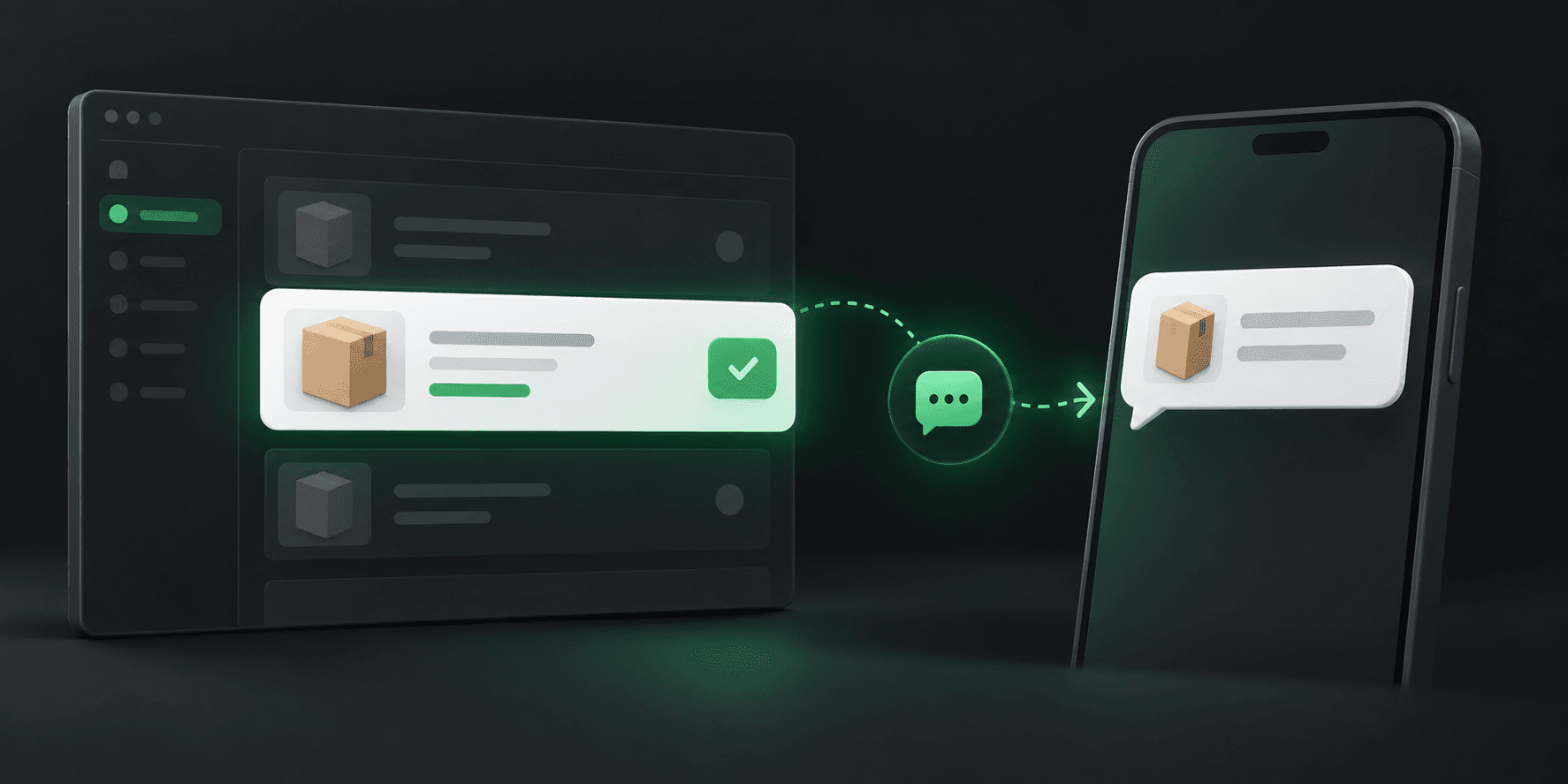
Use Hypersender from your application to send an order update when your own system records a meaningful change. Your app controls the event, recipient, channel, and message so customers can receive useful information without checking a status page.

Start with HypersenderView pricing
Order status update being delivered to a customer by a messaging workflow

How this workflow fits

Choose the events customers need

Start with the points in an order journey where a timely update helps: confirmation, dispatch, a delivery change, or a completed appointment. Your backend should decide whether an event is valid and whether a message has already been sent.

  • Send only the status changes that help the customer take action.
  • Include a concise order reference and the next useful step.
  • Avoid exposing sensitive details in a notification.

Send the message from your application

When your application approves an event, it can make an API request to Hypersender with the recipient and message details. You can choose WhatsApp or SMS in your integration according to your product requirements and available setup.

  • Keep channel choice explicit in your application logic.
  • Record the request result against the order or customer record.
  • Use your normal error handling for timeouts and failed requests.

Keep the workflow dependable

A notification API is one part of a customer communication flow. Your system still needs to prevent duplicate sends, respect customer preferences, and decide what to do when an API request or channel is unavailable. Test the flow with realistic order changes before enabling it broadly.

  • Use an idempotency strategy for repeated order events.
  • Offer a support route when an update needs human help.
  • Do not assume automatic channel fallback unless you build it.

Example: send a WhatsApp order update

After your order system confirms a status change, your backend can call the WhatsApp send-text endpoint. Hypersender returns a queued request reference so your application can follow the request through processing.

API request

http
POST https://app.hypersender.com/api/whatsapp/v2/{instance}/send-text
Authorization: Bearer <token>
Content-Type: application/json
 
{
  "chatId": "<chat_id>",
  "text": "Your order #123 has been confirmed."
}

Immediate queued response

json
{
  "queued": true,
  "message": "Processing your request...",
  "queued_request_uuid": "<queued_request_uuid>",
  "queued_request_link": "https://app.hypersender.com/api/whatsapp/v2/{instance}/queued-requests/<queued_request_uuid>"
}

This example covers WhatsApp. Use the linked SMS endpoint for SMS notifications. Your app should prevent duplicate sends when order events repeat.

See the WhatsApp send-text APISee the SMS send-message API

Start Sending WhatsApp and SMS Messages Today

Try WhatsApp and SMS messaging free for 14 days, with up to 100 messages a day.

Get Started