Developer guides
WhatsApp Bot in Python: Build One with Flask in 45 Lines
A WhatsApp bot in Python with Flask or FastAPI: a menu bot on your own number that gets messages by webhook and replies with the Hypersender SDK.
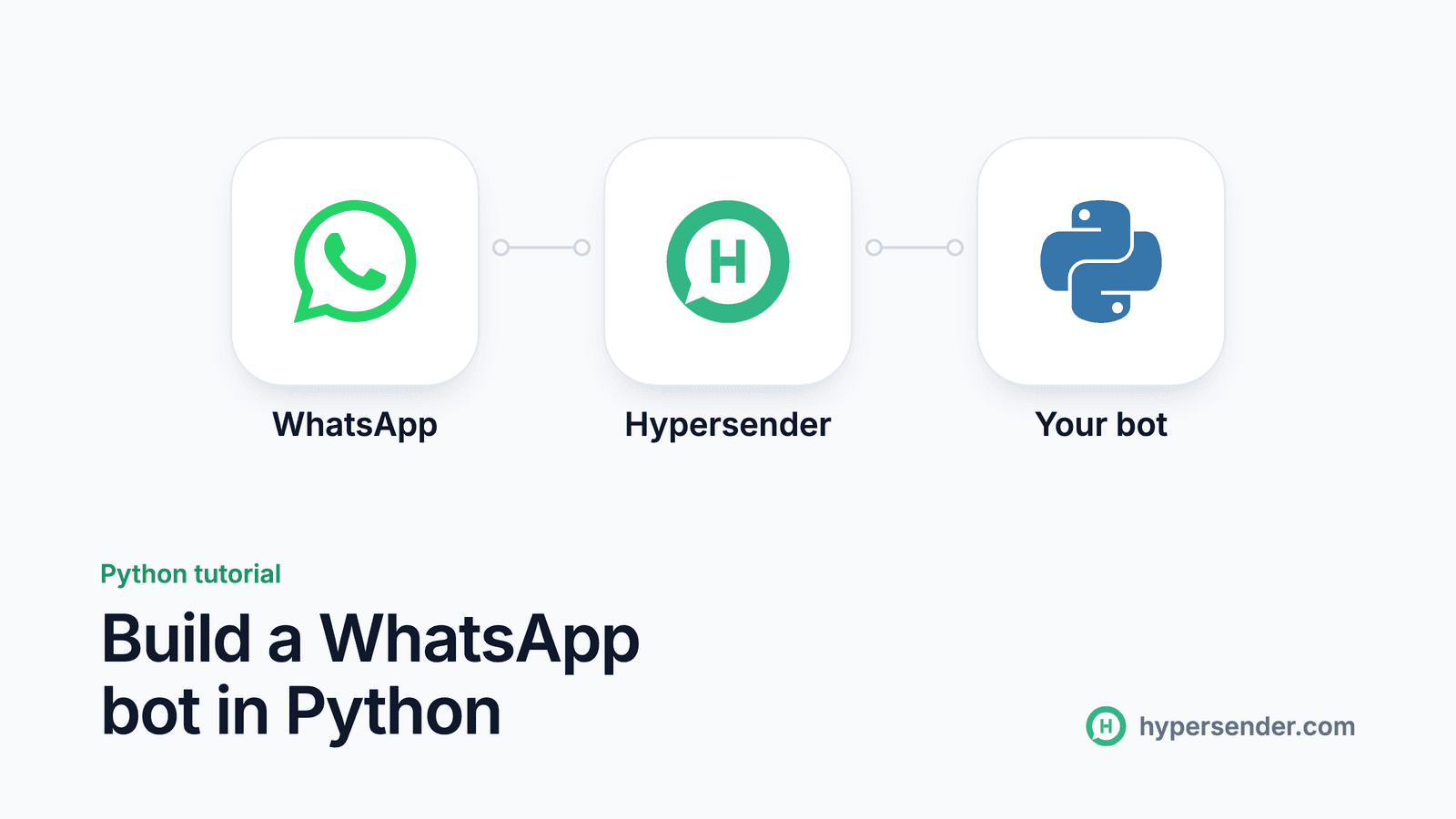
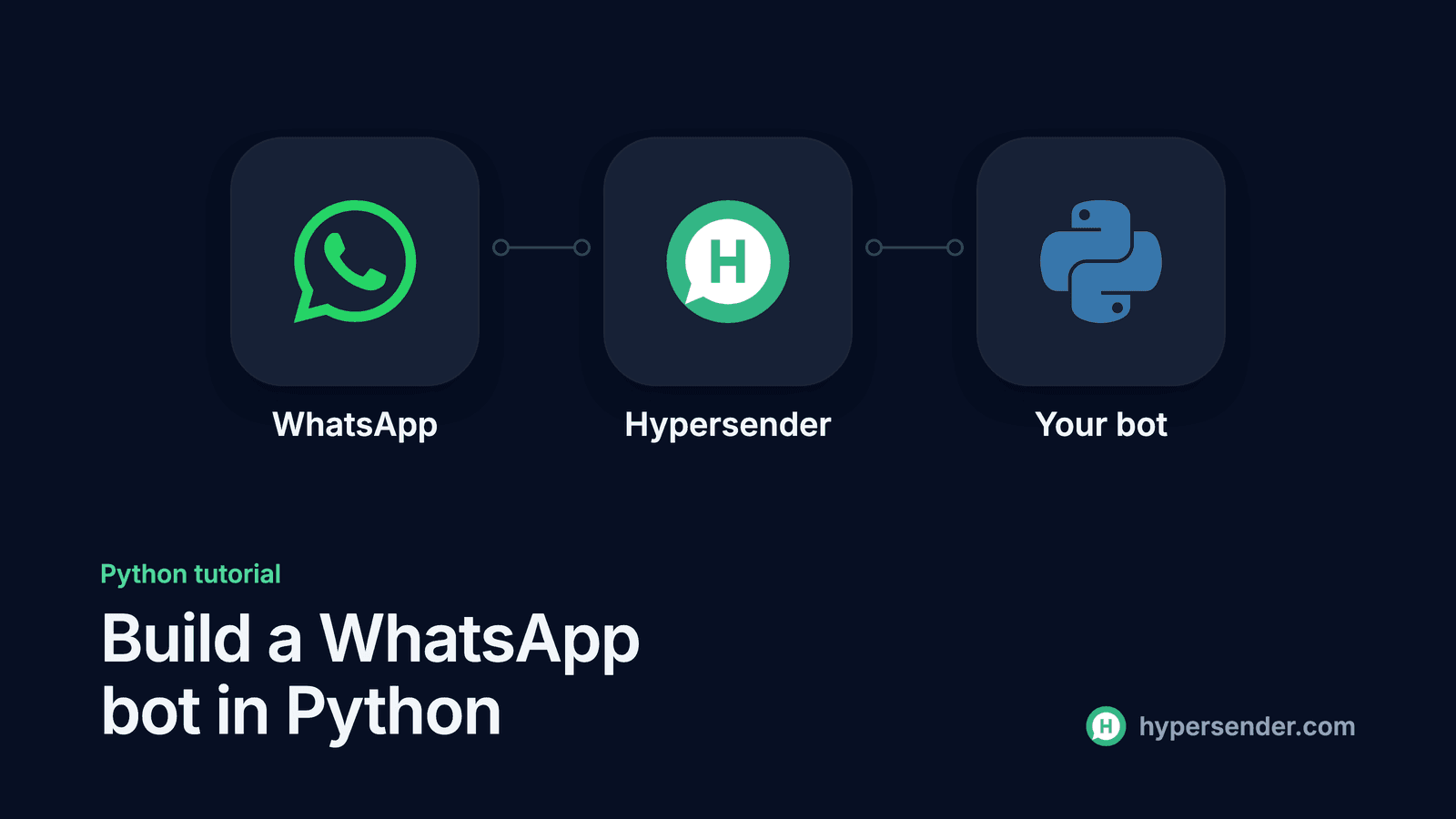
A WhatsApp bot in Python can answer customers on your own number, and this guide builds one that works from a menu: opening hours, your address, or a hand-off to a person. It takes about 45 lines of Flask, and uses the Hypersender Python SDK to reply. There's a FastAPI version further down.
Three ways to build a Python WhatsApp bot
Most tutorials for a Python WhatsApp bot use one of three approaches, and they behave very differently once real people start messaging:
| Approach | How it works | What to watch for |
|---|---|---|
| Browser automation (pywhatkit, Selenium) | Opens WhatsApp Web and types for you | Needs a browser open on your machine, breaks when WhatsApp Web changes, and can't receive messages reliably |
| Meta's WhatsApp Cloud API | Official API from Meta | Needs a Meta business account, approved templates to start a chat, and per-message pricing |
| A QR-connected API (Hypersender) | Your number is linked once by QR code, then you use HTTP and webhooks | It isn't Meta's official platform, so follow WhatsApp's rules and message only people who expect it |
This guide uses the third option. You keep your current number, there's no Meta approval step, and the price is a flat monthly plan instead of a fee per message. If you need Meta's official platform, read Hypersender vs the WhatsApp Business API first.
What you need
- Python 3.10 or newer
- A Hypersender account with a WhatsApp instance connected by QR code
- Your API key and instance ID from the dashboard
- A public HTTPS URL for the webhook. While you build, ngrok gives you one
Install the packages
pip install hypersender flask python-dotenvCreate a .env file next to your code:
HYPERSENDER_WHATSAPP_API_KEY=your_api_key
HYPERSENDER_WHATSAPP_INSTANCE_ID=your_instance_id
HYPERSENDER_WHATSAPP_WEBHOOK_SECRET=pick_a_long_random_string
The SDK reads the first two when you create the client. The secret is for your own route: Hypersender sends it in the Authorization header of every webhook, so the bot can ignore requests from anyone else.
Write the bot
Save this as bot.py:
import hmac
import os

from dotenv import load_dotenv
from flask import Flask, abort, request
from hypersender import Hypersender

load_dotenv()

app = Flask(__name__)
hs = Hypersender()
SECRET = os.environ["HYPERSENDER_WHATSAPP_WEBHOOK_SECRET"]

MENU = "Hi! Reply with a number:\n1. Opening hours\n2. Where to find us\n3. Talk to a person"
ANSWERS = {
    "1": "We're open Sunday to Thursday, 9 am to 6 pm.",
    "2": "12 Example Street, Cairo. Reply *menu* to see the options again.",
    "3": "Sure. Someone from the team will answer you here.",
}
handed_off = set()  # chats a person has taken over


@app.post("/whatsapp/webhook")
def whatsapp_webhook():
    if not hmac.compare_digest(request.headers.get("Authorization", ""), SECRET):
        abort(401)

    event = request.get_json()
    if event["event"] != "message.any":
        return {"status": "ignored"}

    message = event["data"]["payload"]
    chat_id = message["from"]
    # Skip your own messages, group chats, and chats a person is handling.
    if message["fromMe"] or not chat_id.endswith("@c.us") or chat_id in handed_off:
        return {"status": "ignored"}

    choice = (message.get("body") or "").strip().lower()
    if choice == "3":
        handed_off.add(chat_id)

    hs.whatsapp.start_typing(chat_id)
    hs.whatsapp.send_text(chat_id, ANSWERS.get(choice, MENU))
    return {"status": "ok"}
What each part does:
message.anyis the webhook event for every new message. Other events, such as delivery receipts and reactions, are ignored here.fromMeis true for messages your own number sent. Without that check, the bot answers its own replies and loops.- Chat IDs ending in
@c.usare people. Groups end in@g.us, and most bots should stay quiet in groups. - Anything that isn't 1, 2 or 3 gets the menu, so "hi", "menu" and a typo all work.
handed_offstops the bot once someone asks for a person. It lives in memory and empties when the bot restarts, so use a database or Redis table when you go live.
Run it and connect the webhook
Start the bot:
flask --app bot run --port 8000In a second terminal, open a tunnel:
ngrok http 8000Then, in the Hypersender dashboard:
- Open your WhatsApp instance and add a webhook.
- Set the URL to your ngrok address plus the route, like
https://abc123.ngrok-free.app/whatsapp/webhook. - Paste the same secret you put in
.env.
Message your connected number from another phone. You'll see "typing..." and then the menu.
The same bot in FastAPI
If your project already uses FastAPI, the bot looks almost the same:
pip install hypersender fastapi uvicorn python-dotenv@app.post("/whatsapp/webhook")
async def whatsapp_webhook(request: Request, authorization: str = Header("")):
if not hmac.compare_digest(authorization, SECRET):
raise HTTPException(status_code=401)
event = await request.json()
# ...the same checks and reply as the Flask versionRun it with uvicorn bot:app --port 8000. The SDK makes blocking calls, so if the bot does slow work before replying (calling an AI model, for example), move that work to a background task and return the webhook response right away.
Make the replies feel less like a bot
The SDK has the small touches people expect from a real chat:
message_id = message["id"]

hs.whatsapp.send_seen(chat_id, message_id)  # blue ticks
hs.whatsapp.send_text(chat_id, "Got it!", reply_to=message_id)  # quoted reply
hs.whatsapp.react_to_message(chat_id, message_id, "👍")

# A tappable menu instead of "reply with a number"
hs.whatsapp.send_poll(chat_id, "How can we help?", ["Opening hours", "Location", "Talk to a person"])
You can also send images, files and locations. The send messages reference lists every method. To format the text itself with bold, italics or lists, try the WhatsApp text formatter and paste the result into your ANSWERS.
Running it in production
- Run Flask behind a real server, for example
gunicorn bot:app, on a host with HTTPS. - Answer the webhook fast. If a reply needs a database lookup or an AI call, queue it and return
200first. send_textreturns aqueued_request_uuid. That means the API accepted the message, not that WhatsApp delivered it. Track delivery with queued requests and themessage.ackwebhook.- If the bot sends a lot of messages, use
send_text_safe, which paces messages and shows typing between them. It lowers the risk of a block but can't remove it. How to avoid a WhatsApp number ban covers the rest. - Failed webhook calls show up in your dashboard's webhook logs, where you can retry them.
Common problems
The bot doesn't answer. Check that the instance shows as connected in the dashboard, that ngrok is still running (its free URL changes on every restart), and that the webhook URL ends with /whatsapp/webhook.
Every request gets a 401. The secret in the dashboard and the one in .env don't match. Watch for a space or a new line at the end of either one.
The bot keeps replying to itself. The fromMe check is missing or was moved below the reply.
The bot answers in groups. Keep the @c.us check, or handle @g.us chats on purpose.
Next steps
- Read the Python WhatsApp bot docs for every webhook field
- Check if a number has WhatsApp before you message it
- Add login codes with OTP in Python
- Building in PHP instead? See sending WhatsApp messages in Laravel
Create a Hypersender account, connect your number by QR code, and your Python bot can answer its first message today.