Hypersender

Messaging APIs

WhatsApp APISend and receive from your own numberSMS gateway appApproved on Google Play, Android 9 to 16OTP APICodes and WhatsApp sign-in links

Build with it

MCP serverWhatsApp and SMS from your AI assistantIntegrationsn8n, AI assistants and SDKsWhatsApp API pricingPlans, and per-message costs comparedDocsAPI reference and setup guides
SDKsLaravelNode.jsPythonGon8n

WhatsApp

CRM integrationPayment remindersOrder updatesWhatsApp OTPIncoming message webhooksWhatsApp AI chatbotWhatsApp automationMessaging from Laravel

SMS

Appointment remindersSMS OTPFilter and tag SMSSMS forwardingSMS gateway appAndroid SMS gateway
All use cases
WhatsApp link generatorA short chat link with a ready message, a QR code with your logo and a button for your website.WhatsApp message templatesReady messages for orders, appointments and payments, with a builder that checks them against Meta's rules.WhatsApp text formatterBold, italic, strikethrough, lists and quotes, with keyboard shortcuts and a live iPhone preview.SMS character counterCharacters, SMS parts and GSM-7 or Unicode, plus the characters that make a message longer.Phone validatorCheck if a number is valid, see its country and line type, and copy it in E.164 or WhatsApp format. Works on lists too.Name decorationStylish versions of a name in English or Arabic for PUBG, Free Fire, Instagram and TikTok.
All free tools

Company

BlogGuides, tutorials and comparisonsAbout HypersenderWho we are and how we workFAQsShort answers to common questions

Community

Latest postNovember 28, 2026How to Send Bulk Messages on WhatsApp Without Getting BannedHow to send bulk messages on WhatsApp with broadcast lists, paid broadcasts or an API, and the opt-in and pacing rules that keep your number safe.Read the post
PricingDocs
Sign InGet Started
Hypersender

Product

  • Features
  • Use cases
  • MCP server
  • Pricing
  • WhatsApp API pricing
  • SDKs
  • Integrations
  • Docs

Free tools

  • WhatsApp link generator
  • WhatsApp message templates
  • WhatsApp text formatter
  • SMS character counter
  • Phone validator
  • Name decoration
  • All tools

Resources

  • About Hypersender
  • FAQ
  • Blog
  • Discord
  • WhatsApp

Legal

  • Terms and Conditions
  • Privacy Policy
Featured onFeatured on LaunchAFFeatured on LaunchAFFeatured on Twelve ToolsFeatured on Twelve Tools

© 2026 Hypersender. All rights reserved.

GET IT ONGoogle Play
HypersenderHypersenderHypersenderHypersenderHypersender
All use cases

Hypersender uses

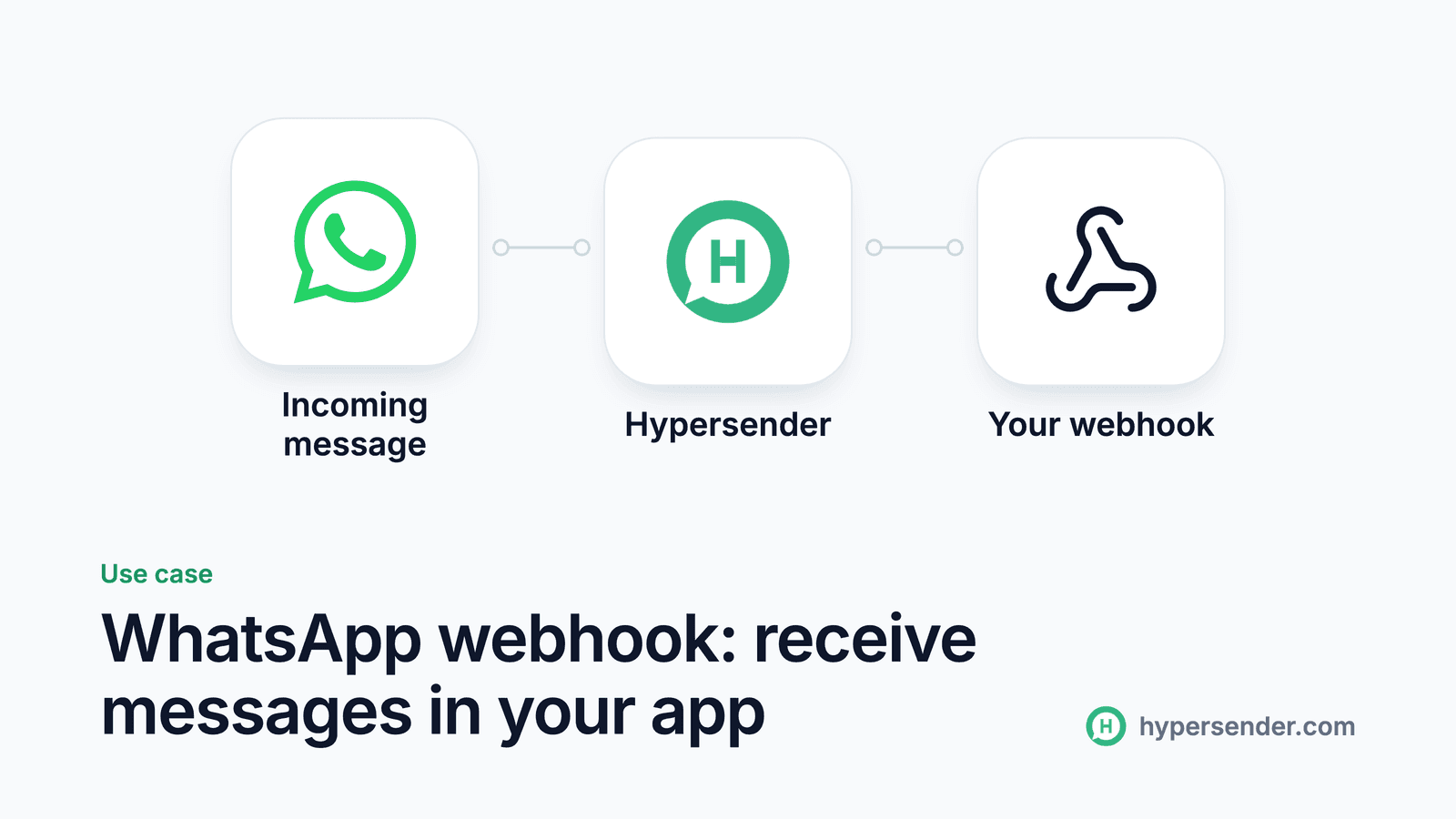
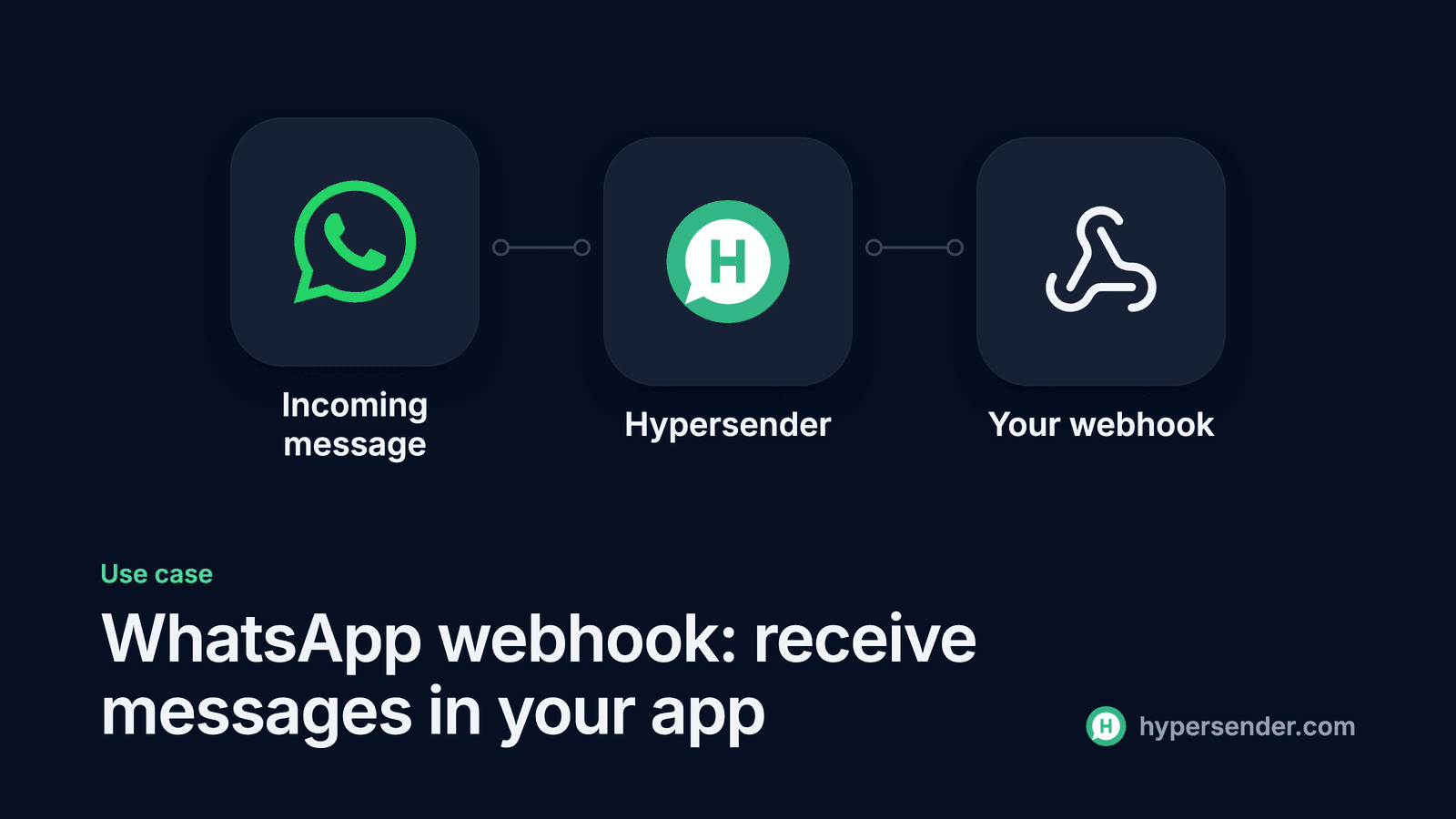
WhatsApp webhook: receive messages in your app

A WhatsApp webhook sends every message your number receives to your server as a JSON POST request. Add your URL to the instance in the Hypersender dashboard, and incoming messages, delivery receipts and reactions reach your code as events.

Start with HypersenderView pricing
WhatsApp webhook delivering incoming messages to your serverWhatsApp webhook delivering incoming messages to your server

How this workflow fits

Events your server receives

message.any carries every message, with from, body, fromMe and hasMedia. message.ack reports when a message is sent, delivered and read. You also get message.reaction, message.revoked, poll.vote and presence.update.

  • Add up to 3 webhook URLs per instance on paid plans.
  • The event name is in the JSON, so one URL can handle every event.

Write the handler

Check the secret header first. Then answer with a 2xx status straight away and do the real work in a background job. Skip messages where fromMe is true, or your code will react to its own replies.

  • Make processing safe to repeat, because a retried webhook delivers the same event again.
  • Store the message ID and skip ones you've already handled.
  • In Laravel, the Hypersender package turns each webhook into a Laravel event.

Debug and retry

Webhook Logs list every delivery with the payload, your server's response and the error. Fix the handler, then retry failed webhooks from the dashboard, one at a time or in bulk.

  • A failed webhook can be retried up to 5 times.
  • Logs are kept for 7 days on Starter, 30 on Pro and 90 on Business.

Example: an incoming WhatsApp message

When a customer writes to your number, your webhook URL receives a message.any event. data.payload.from is the chat ID to reply to, and data.payload.body is the text.

Webhook your server receives

http
POST https://your-app.example.com/whatsapp/webhook
Authorization: <your webhook secret>
Content-Type: application/json
 
{
  "event": "message.any",
  "data": {
    "payload": {
      "from": "201000000002@c.us",
      "fromMe": false,
      "body": "Is order #1042 on its way?",
      "hasMedia": false
    }
  }
}

Your response

json
HTTP/1.1 200 OK

The payload is shortened. Answer with a 2xx status quickly and do slow work in a background job. Skip events where fromMe is true.

See all WhatsApp webhook eventsInspect and retry webhooks with Webhook LogsBuild a WhatsApp bot on top of the webhook

Start Sending WhatsApp and SMS Messages Today

Start a free trial: 14 days for WhatsApp and 28 days for SMS, with up to 100 messages a day.

Contact SalesGet Started