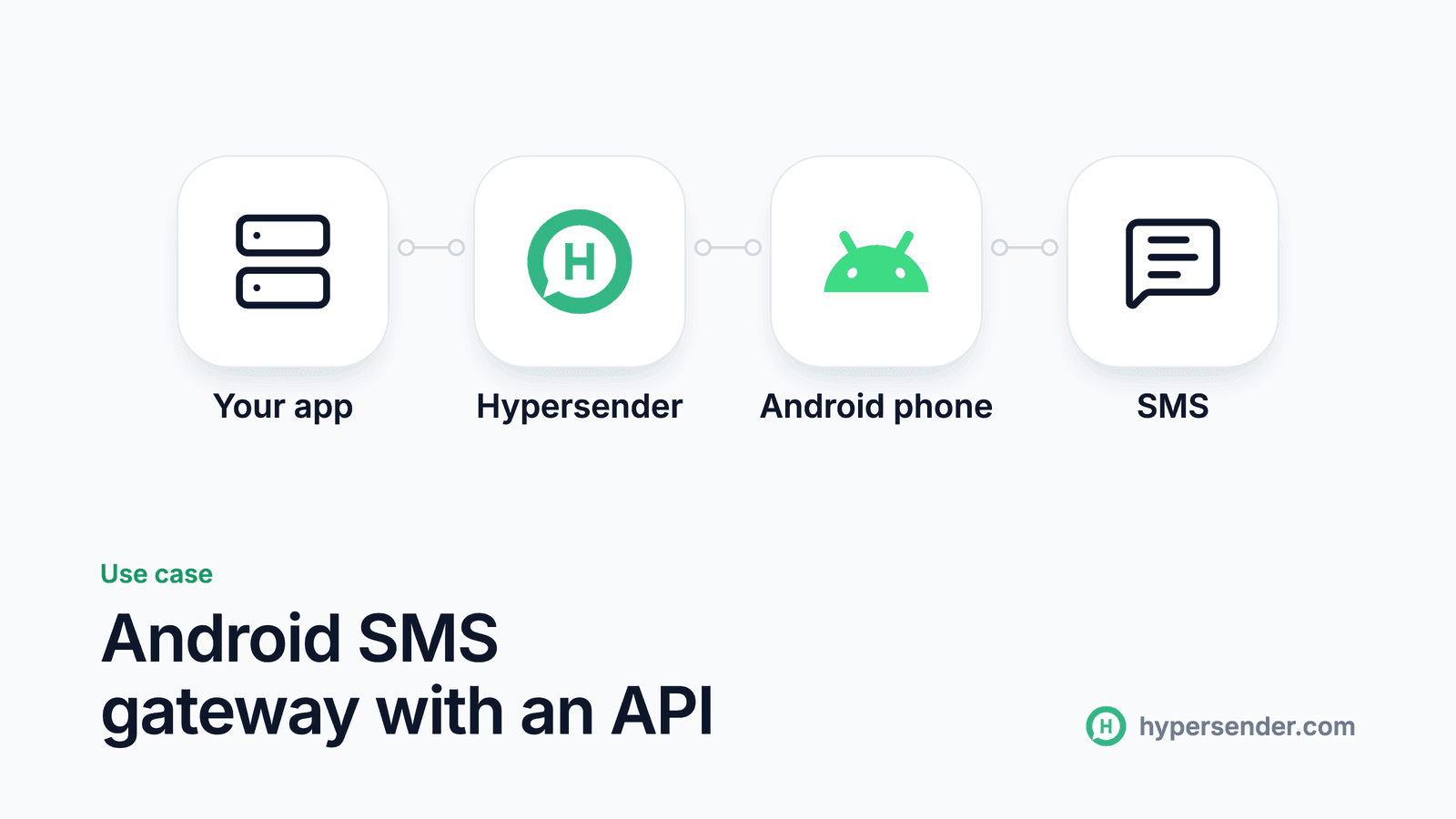
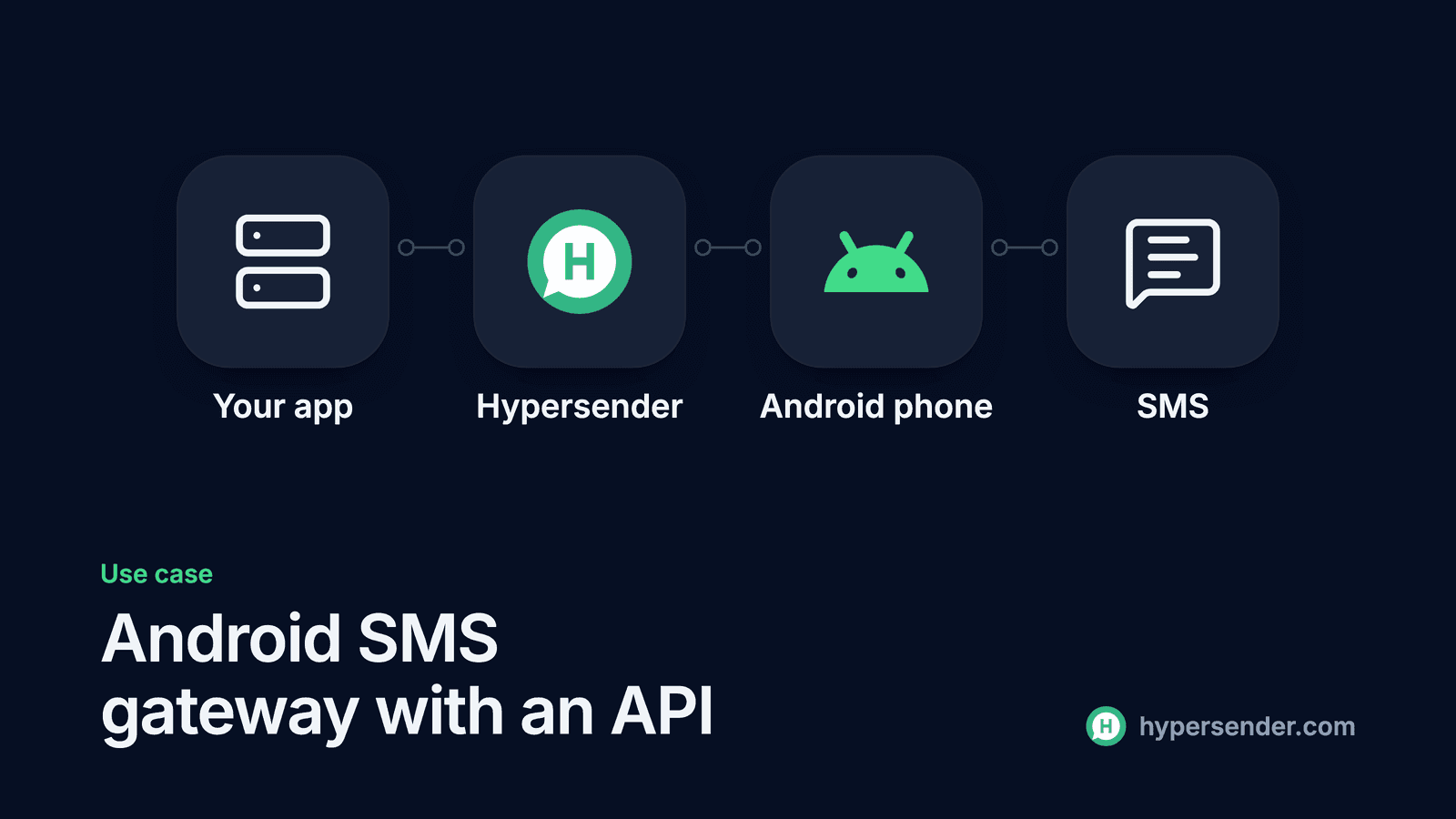
How this workflow fits
Send SMS through your phone
Install Hypersender SMS from Google Play and link the phone to an SMS instance. Call the send-message endpoint with the number and the text, and the phone sends it from its SIM and reports back. Add a request_id, and a retried request never sends the same SMS twice.
- Send now or schedule a message for later.
- On a dual-SIM phone, link each SIM to its own instance.
- Status webhooks tell you when a message is sent, delivered, failed or expired.
Receive SMS and replies
Incoming SMS reach your webhook as message.phone.received events with the sender, text, SIM and tags. Rules on the phone decide what leaves it: keep personal and promotional SMS on the device, tag verification codes and bank alerts, or reply automatically after hours.
- Add up to 3 webhook URLs per instance on paid plans.
- Tags such as otp or bank arrive with each message.
- Auto-replies go out from the SIM that received the message.
Keep the gateway online
A phone gateway needs the phone switched on and online, and it sends at your carrier's pace. Heartbeat webhooks warn you when the phone stops checking in, and the keep-the-app-running guide shows which Android battery settings to change.
- A missed heartbeat after 16 minutes, offline after about an hour.
- Sending speed depends on the plan: 60, 100 or 500 messages a minute.
- Your carrier's rules and plan limits still apply to every SMS.