Guides
WhatsApp Message Limit Per Day: App, API and Business Tiers
WhatsApp message limit per day: the app's caps on new chats and broadcasts, Meta's 250 to unlimited API tiers, and how to send without hitting them.
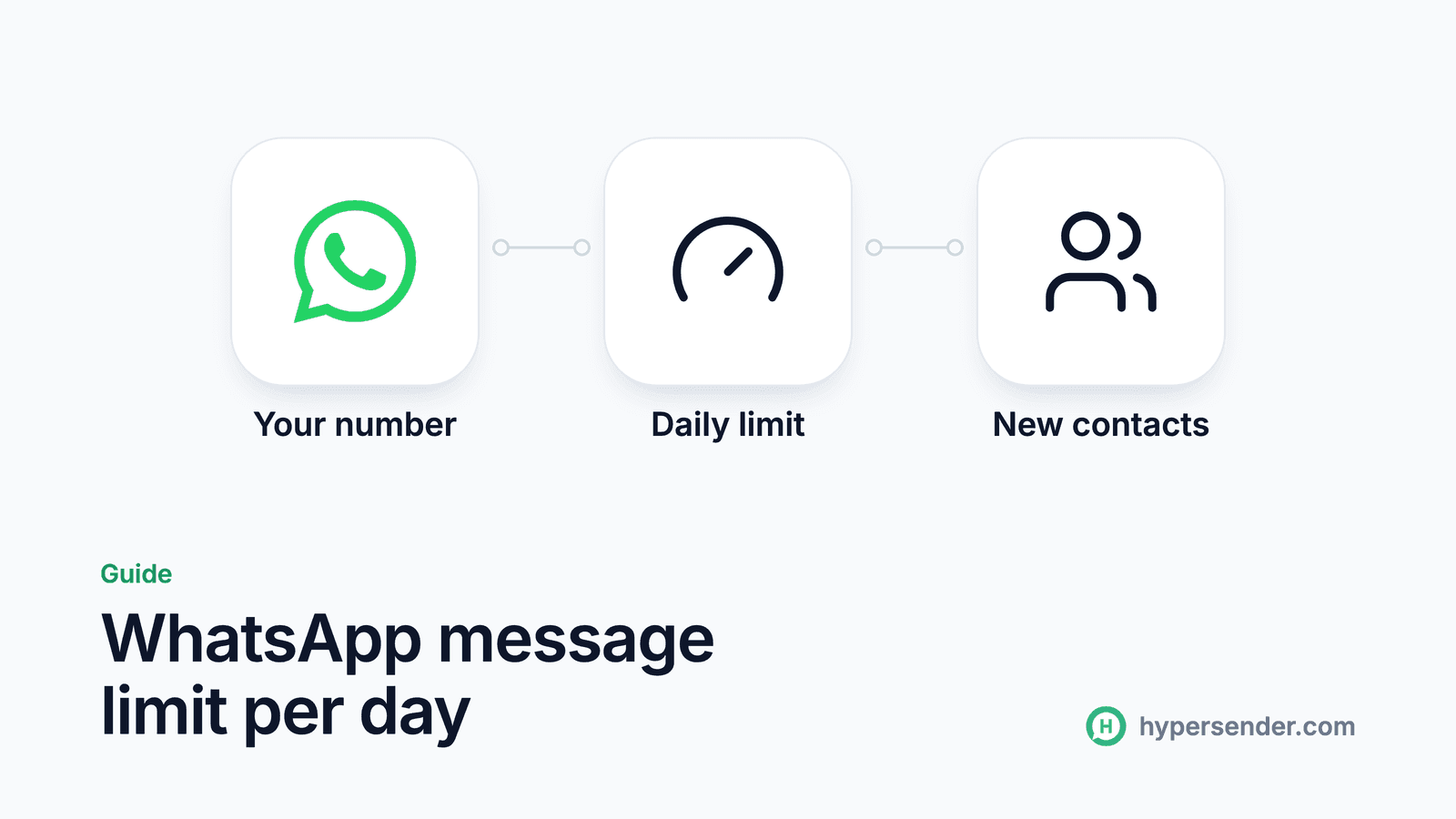
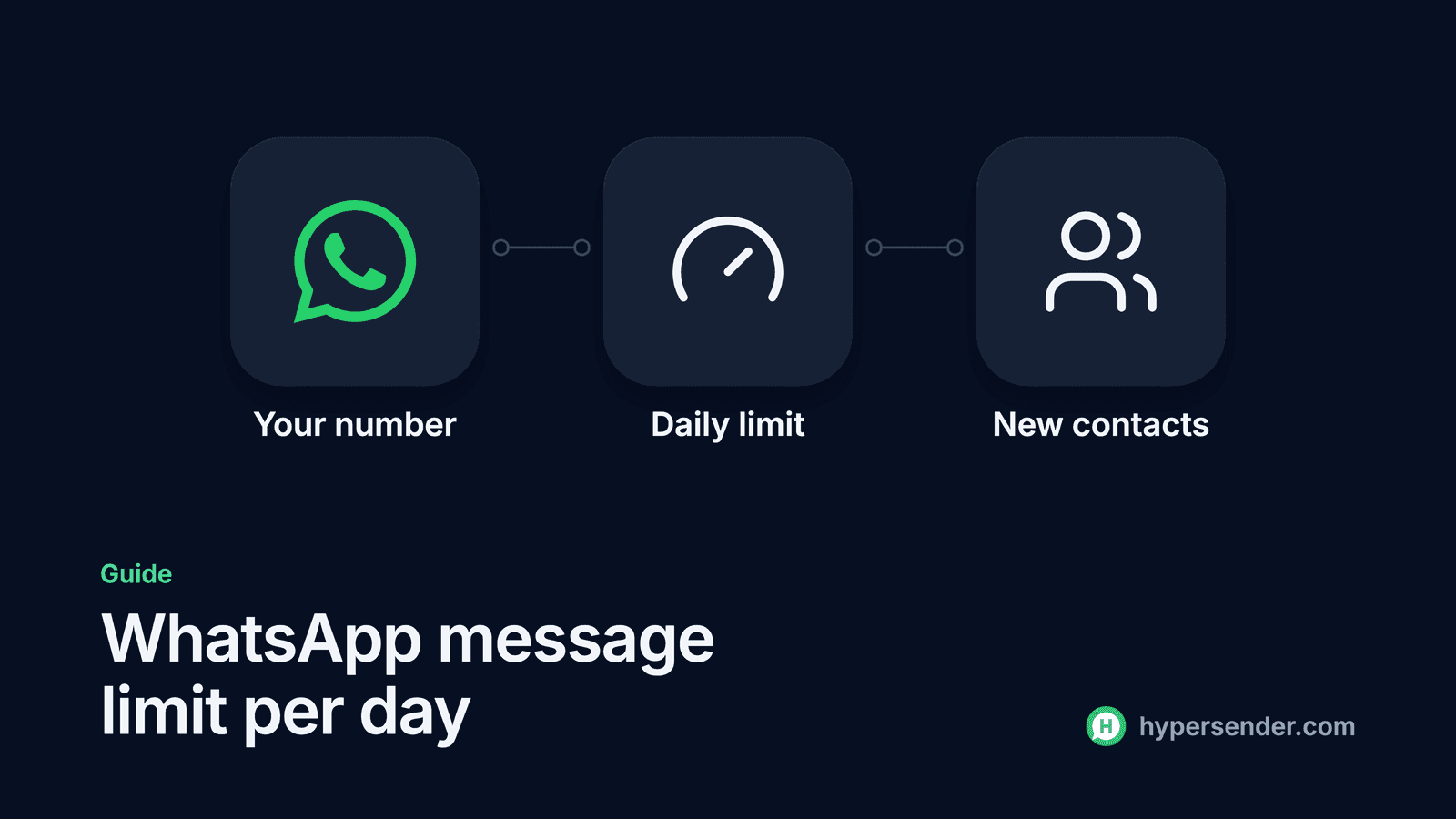
The WhatsApp message limit per day depends on how you send. The phone app has no fixed daily number for chats you already have, but it limits new contacts and broadcasts. Meta's official Business Platform counts unique people per 24 hours and starts new businesses at 250.
The number that matters most is rarely the total. It's how many people you message for the first time, and how many of them reply.
WhatsApp message limits at a glance
| Where you send from | What's limited | The limit |
|---|---|---|
| WhatsApp or WhatsApp Business app | New contacts per cycle (message capping) | A quota WhatsApp sets per number; existing chats keep working |
| Broadcast lists in the app | Recipients per list | 256 per list, and only people who saved your number |
| Messages to people who never reply | Monthly allowance | WhatsApp has been testing a monthly cap on these |
| Meta's WhatsApp Business Platform | Unique people outside a customer service window, per 24 hours | 250, then 2,000, 10,000, 100,000 or unlimited |
| A linked-device API such as Hypersender | Same rules as the app on that number, plus API request limits | 500 API requests a minute; WhatsApp's capping still applies |
Limits in the WhatsApp app
For people and small businesses using the app, three limits show up in practice.
- New contacts. WhatsApp caps how many people with no chat history a number can message in each cycle. Replies to people who wrote to you aren't affected. Our message capping guide explains the warning levels and what happens when you hit it.
- Broadcasts. A broadcast list holds 256 contacts, and only people who saved your number receive it. Some users also see a monthly limit on broadcasts. Details are in our WhatsApp broadcast guide.
- Messages nobody answers. WhatsApp has been testing a monthly limit on messages sent to people who don't reply, aimed at spam.
None of these are published as one fixed number, because WhatsApp adjusts them per account. A number that mostly gets replies has far more room than one that sends cold messages.
Messaging limits on Meta's Business Platform
Meta's official API has a clear ladder. A messaging limit is the number of unique WhatsApp users a business can message outside a customer service window in a moving 24-hour period. Replies inside the 24-hour window after a customer writes don't count.
- New business portfolios start at 250.
- The limit rises to 2,000 once you verify your business, or send 2,000 delivered template messages to unique users within 30 days with a high quality rating.
- After that, Meta raises it automatically to 10,000, 100,000 and then unlimited if your message quality stays high.
The limit is set for the whole business portfolio and shared by all its phone numbers, so one busy number can use up the allowance for the others. Source: Meta's messaging limits documentation, updated May 2026.
WhatsApp API rate limits with Hypersender
Hypersender links your number as a device, the same way WhatsApp Web does. Meta's 250-to-unlimited ladder doesn't apply, because you aren't on Meta's Business Platform. The app's own rules do apply, since it's the same number.
What that means in practice:
- API requests: each plan allows 500 requests a minute. Accepted sends go into a queue and are processed in order; if you go over the limit, slow down and retry.
- New contacts: if WhatsApp caps the number, sends to new contacts return HTTP 423 with the time until the quota resets. Existing conversations keep working, and the dashboard shows the quota before you reach it.
- Pacing: the send-text-safe endpoint shows typing and waits a moment before each message, so a list goes out at a human pace.
Hypersender can't raise or reset a cap WhatsApp sets. The way to keep room is how you send.
How to stay under the limits
- Message people who expect you: customers who ordered, booked or asked. Their replies keep your number in good standing.
- Spread first-time messages over the day instead of sending them in one burst.
- Put the reason in the first line, with your business name, so nobody reports it as spam.
- Give people a way out, such as "Reply STOP", and honour it.
- For bigger sends, use more than one number, and read how to avoid a WhatsApp number ban first.
Hypersender plans start at $9.99 a month per number, with no fee per message, and the 14-day free trial lets you test your real sending pattern before you pay.