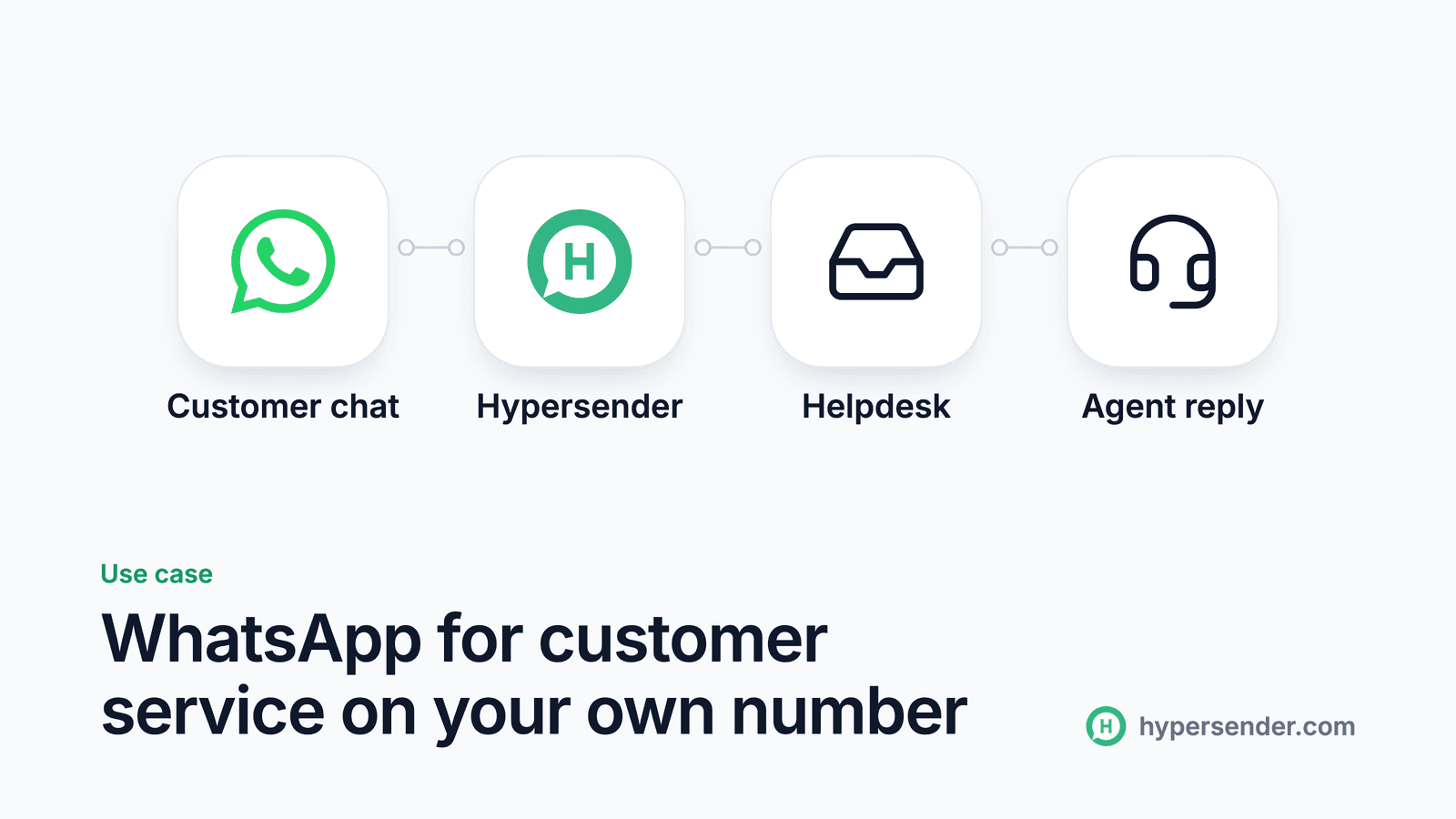
How this workflow fits
Bring every chat into one place
Add a webhook for the message.any event. Each customer message arrives with the chat ID and the message, so your code can open a ticket or add it to the open one for that chat. Look the number up in your CRM first and the agent sees who is writing before they answer.
- Keep one ticket per chat ID, and reopen it when the customer writes again.
- Replies your team sends from the phone or WhatsApp Web also arrive, with fromMe set to true, so the ticket history stays complete.
- If a message seems to be missing, Webhook Logs show each delivery and your server's response.
Reply from your helpdesk
When an agent answers, your code sends the reply with send-text to the same chat ID. Pass reply_to with the customer's message ID to quote the question being answered, send an invoice or a screenshot with send-file or send-image, and call read-chat so the customer sees blue ticks once someone has read their messages.
- Call start-typing while an agent writes a longer answer.
- The messages ack webhook tells you when each reply is delivered and read.
- Start the reply with the agent's first name, so the customer knows a person is on the other end.
After hours, and a first line of AI
Customers write at night and at weekends. Send one automatic reply outside your hours that says when the team is back, or let an AI model answer the common questions and pass everything else to a person. Keep the bot to conversations the customer started, and hand over as soon as someone asks for a human.
- Send the out-of-hours reply once per conversation, not after every message.
- Give support and sales their own numbers, one instance each. The Pro plan covers three numbers for $26.99 a month.
- The WhatsApp AI chatbot page shows how to hand a chat over to a person.