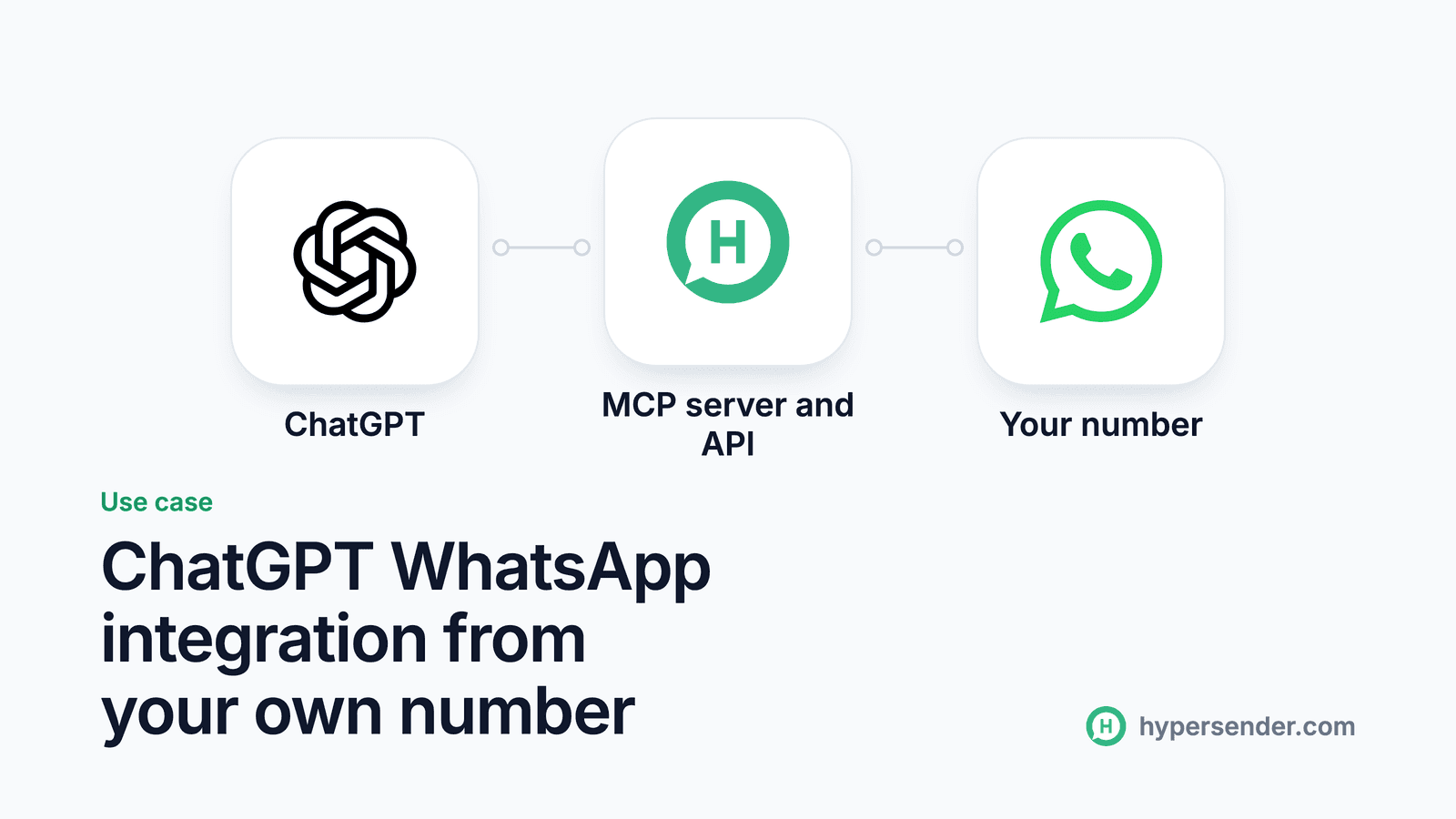
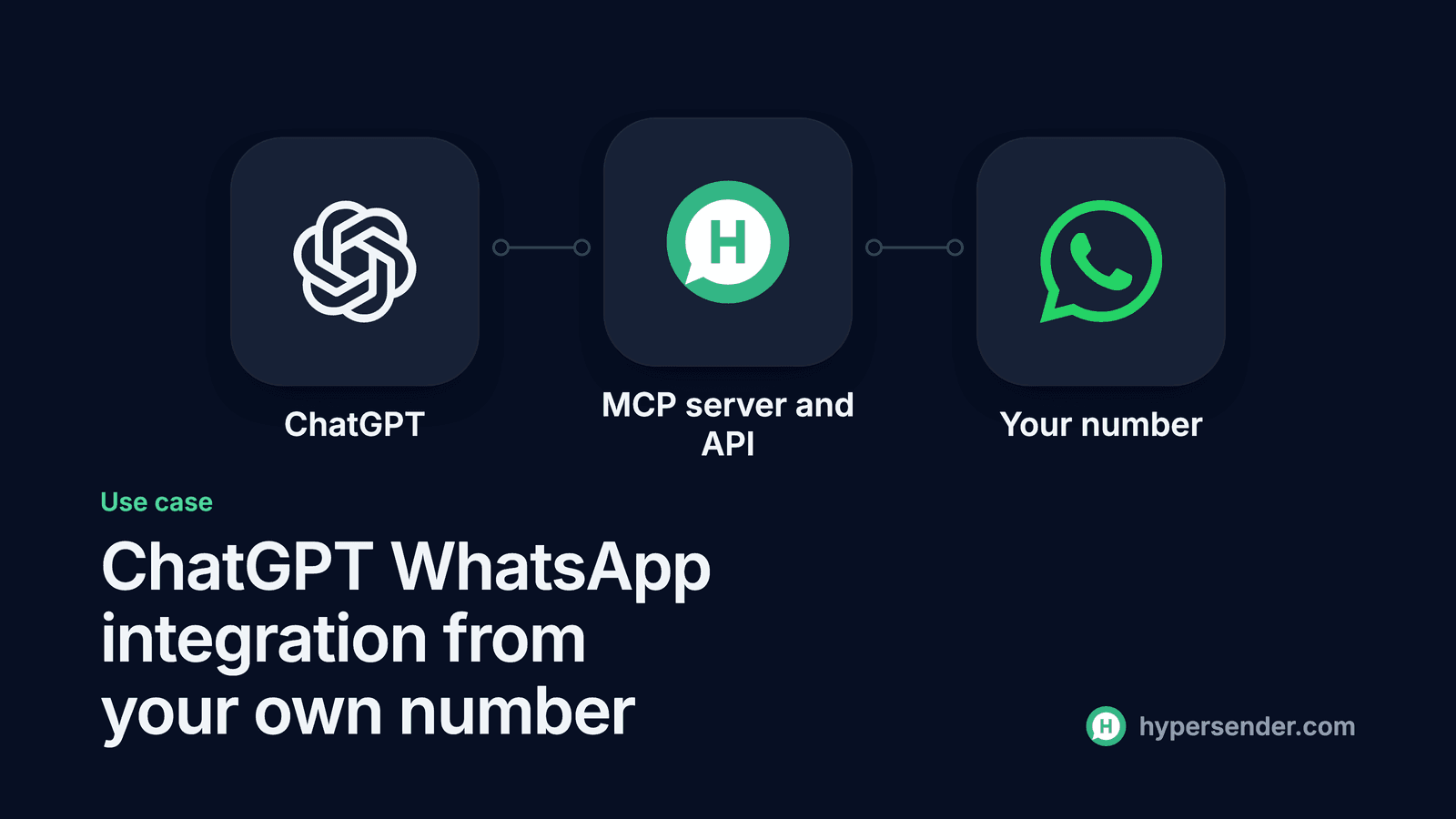
How this workflow fits
Connect ChatGPT to WhatsApp with the MCP server
In ChatGPT on the web, open Plugins, choose + and then Add custom MCP server. Name it hypersender, enter https://app.hypersender.com/mcp and follow the prompts to install it. Sign in to Hypersender, pick the instances and permissions to share, then open a new chat, type @ and select the Hypersender plugin.
- Try it with: "Using hypersender, list my approved instances. Do not send anything."
- Whether you can add a custom MCP server depends on your ChatGPT account and workspace settings.
- These are ChatGPT's standard custom MCP steps. We have tested the server end to end with Codex, and not yet with ChatGPT.
Answer customers with an OpenAI model
This direction uses the API and a webhook, not MCP. Each message a customer sends reaches your webhook as a message.any event. Your code or an n8n workflow passes the text to the OpenAI API, then sends the answer back with send-text-safe, which shows typing and paces the reply.
- Keep each customer's history by chat ID, so answers follow the conversation.
- Skip events where fromMe is true, or the bot answers its own messages.
- Pass the chat to a person when the customer asks for one.
Which direction fits
Use the MCP server when you are the one asking: "send Sara the new price list" or "check if this number is on WhatsApp". Use the webhook and the API when customers are the ones writing and the reply has to go out without you.
- Both run on the same number, linked by QR code, with no Meta developer app to set up.
- The MCP server can't read your chat history. It sends messages and checks what happened to them.
- WhatsApp is from $9.99 a month per number, with no fee per message from Hypersender.