Developer guides
WhatsApp API in PHP: Send and Receive Messages With cURL
WhatsApp API PHP tutorial: send text and images from your own number with plain cURL, then receive messages on a webhook and reply.
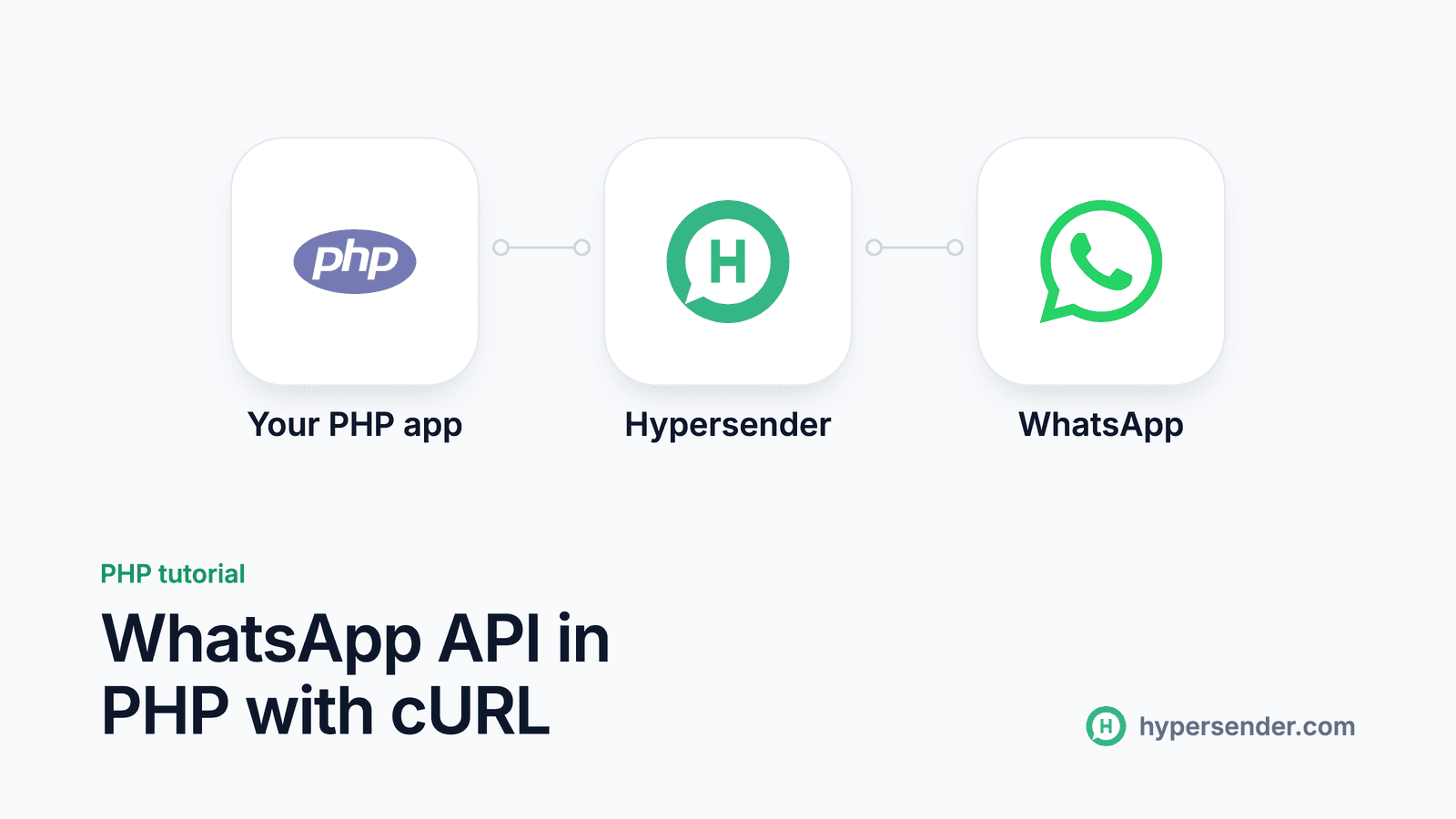
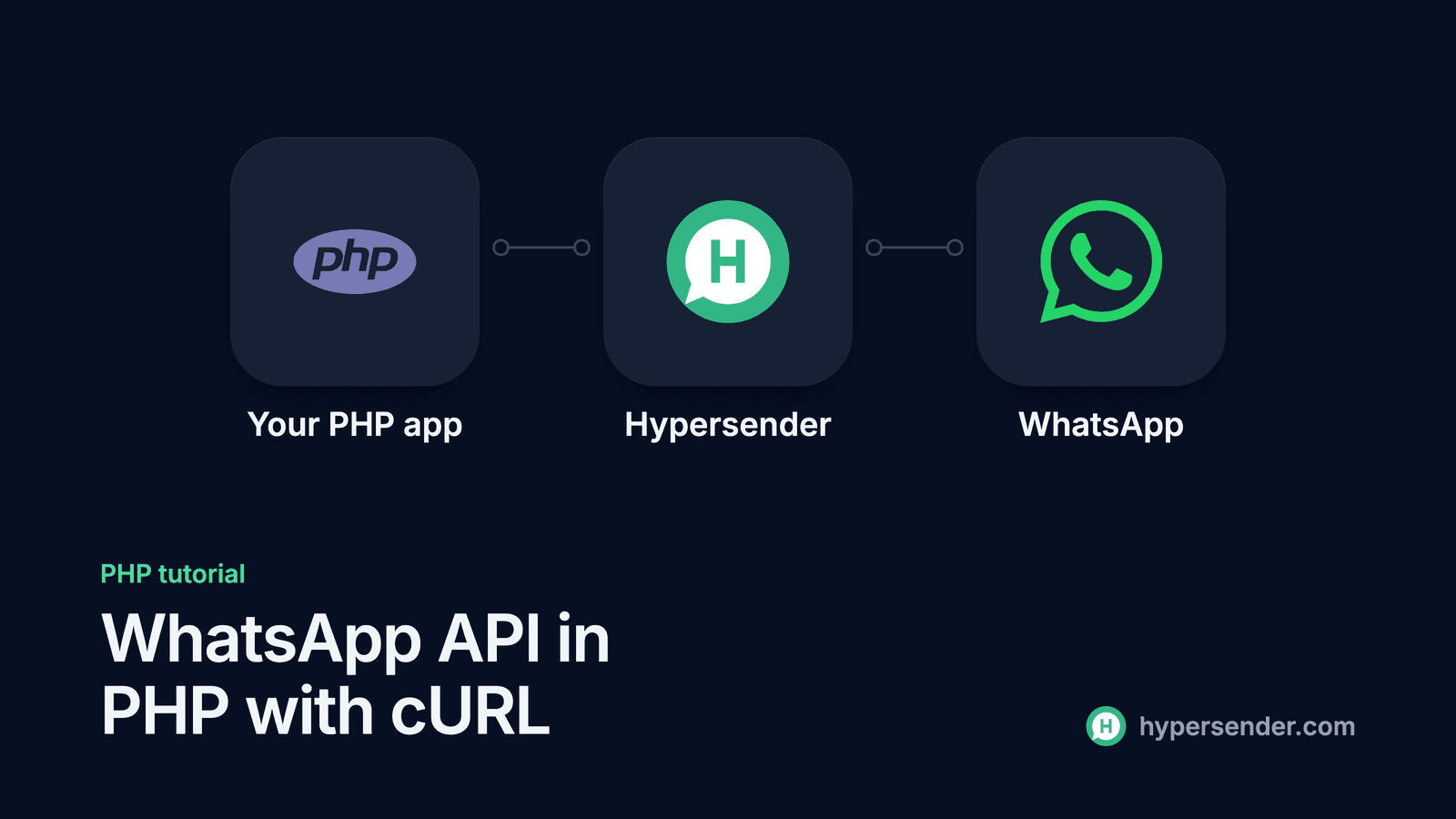
A WhatsApp API in PHP needs nothing beyond the cURL extension that ships with PHP. This guide sends a text and an image from your own WhatsApp number with the Hypersender API, then receives incoming messages on a webhook and replies to them, all in core PHP. If you use Laravel, skip to the Laravel package instead.
Ways to send WhatsApp messages from PHP
Search for this and you'll find three kinds of answers:
| Option | What it means for your PHP code |
|---|---|
| Old WhatsApp Web libraries (WhatsAPI, WhatsApp-PHP) | Abandoned for years. They log in as a fake client and stopped working when WhatsApp changed its protocol |
| Meta's WhatsApp Cloud API | Official, but you need a Meta business account, approved templates to start a chat, and you pay per message |
| A QR-linked API such as Hypersender | You link your number once by QR code, then send and receive with HTTP requests and a webhook |
This guide uses the third. It works from any PHP host, needs no Meta approval, and costs a flat monthly price per number. It isn't Meta's official platform, so send messages people expect, as you would from your phone.
What you need
- PHP 8.1 or newer with the cURL extension (it's on by default almost everywhere)
- A Hypersender account with a WhatsApp instance linked by QR code
- Your API key and instance ID from the dashboard
- For receiving messages, a public HTTPS URL. While you build, ngrok gives you one
Keep the keys out of your code. Set them as environment variables, or in a .env file your host loads:
HYPERSENDER_WHATSAPP_API_KEY=your_api_key
HYPERSENDER_WHATSAPP_INSTANCE_ID=your_instance_id
HYPERSENDER_WHATSAPP_WEBHOOK_SECRET=pick_a_long_random_string
Send a WhatsApp message with PHP
Save this as whatsapp.php. One small function covers every endpoint:
<?php

function hypersender(string $endpoint, array $body): array
{
    $instance = getenv('HYPERSENDER_WHATSAPP_INSTANCE_ID');
    $ch = curl_init("https://app.hypersender.com/api/whatsapp/v2/{$instance}/{$endpoint}");

    curl_setopt_array($ch, [
        CURLOPT_POST => true,
        CURLOPT_RETURNTRANSFER => true,
        CURLOPT_TIMEOUT => 15,
        CURLOPT_HTTPHEADER => [
            'Authorization: Bearer ' . getenv('HYPERSENDER_WHATSAPP_API_KEY'),
            'Content-Type: application/json',
            'Accept: application/json',
        ],
        CURLOPT_POSTFIELDS => json_encode($body),
    ]);

    $response = curl_exec($ch);
    $status = curl_getinfo($ch, CURLINFO_RESPONSE_CODE);
    curl_close($ch);

    if ($response === false || $status >= 400) {
        throw new RuntimeException("Hypersender returned {$status}: {$response}");
    }

    return json_decode($response, true);
}

// A text message to an Egyptian number: country code, no plus sign, then @c.us.
$result = hypersender('send-text-safe', [
    'chatId' => '201001234567@c.us',
    'text' => 'Hi Omar, your order #1042 has shipped.',
]);

echo $result['queued_request_uuid'];
Run it with php whatsapp.php and the message arrives on the phone a moment later.
A few details:
send-text-safeshows "typing…" and waits briefly before sending, so a batch of messages goes out at a human pace. Usesend-textwhen you need it to leave right away, such as a login code.- The chat ID is the number in international format without
+or spaces, followed by@c.us. Groups end in@g.us. - The API queues every request and answers at once with a
queued_request_uuid. The queued requests endpoint tells you when it was delivered.
Send an image or a PDF
Images and files use the same function. Pass a public URL and a caption:
hypersender('send-image', [
    'chatId' => '201001234567@c.us',
    'url' => 'https://example.com/receipts/1042.png',
    'caption' => 'Your receipt for order #1042',
]);

hypersender('send-file', [
    'chatId' => '201001234567@c.us',
    'url' => 'https://example.com/invoices/1042.pdf',
    'filename' => 'invoice-1042.pdf',
    'mimetype' => 'application/pdf',
]);
Videos, voice notes, locations and polls follow the same pattern. The API reference lists the fields for each.
Receive WhatsApp messages in PHP
When a customer writes to your number, Hypersender sends a POST to your webhook URL with the message as JSON and your secret in the Authorization header. Save this as webhook.php, next to whatsapp.php:
<?php

require __DIR__ . '/whatsapp.php';

$secret = getenv('HYPERSENDER_WHATSAPP_WEBHOOK_SECRET');
if (! $secret || ! hash_equals($secret, $_SERVER['HTTP_AUTHORIZATION'] ?? '')) {
    http_response_code(401);
    exit;
}

$event = json_decode(file_get_contents('php://input'), true);
header('Content-Type: application/json');

if (($event['event'] ?? '') !== 'message.any') {
    exit(json_encode(['status' => 'ignored']));
}

$message = $event['data']['payload'];
$chatId = $message['from'];

// Skip your own messages and group chats.
if ($message['fromMe'] || ! str_ends_with($chatId, '@c.us')) {
    exit(json_encode(['status' => 'ignored']));
}

$text = strtolower(trim($message['body'] ?? ''));
$reply = match ($text) {
    'hours' => "We're open Sunday to Thursday, 9 am to 6 pm.",
    'order' => 'Send your order number and we will check it for you.',
    default => "Hi! Reply *hours* for our opening hours or *order* to track an order.",
};

hypersender('send-text', ['chatId' => $chatId, 'text' => $reply]);
echo json_encode(['status' => 'ok']);
Remove the example call at the bottom of whatsapp.php first, so including it doesn't send the test message again.
Then add the webhook in the dashboard: open your instance, add https://your-site.com/webhook.php, and set the same secret. Message your number and the bot answers.
What the checks do:
hash_equalscompares the secret in constant time, and the script refuses to run with an empty secret, so nobody else can trigger your replies.fromMeis true for messages your own number sent. Without it the script answers its own replies and loops.message.anyis the event for every new message. Delivery receipts and reactions arrive as other events, listed in the webhooks reference.
On Apache with PHP-FPM, the Authorization header sometimes doesn't reach PHP. If $_SERVER['HTTP_AUTHORIZATION'] is empty, add CGIPassAuth On to the folder's .htaccess.
Prefer Guzzle?
If your project already uses Guzzle, the request becomes:
$client = new GuzzleHttp\Client(['base_uri' => 'https://app.hypersender.com/api/whatsapp/v2/']);

$client->post(getenv('HYPERSENDER_WHATSAPP_INSTANCE_ID') . '/send-text-safe', [
    'headers' => ['Authorization' => 'Bearer ' . getenv('HYPERSENDER_WHATSAPP_API_KEY')],
    'json' => ['chatId' => '201001234567@c.us', 'text' => 'Hello from PHP'],
]);
In Laravel, the Hypersender Laravel package wraps all of this, including webhook handling, in one line per message.
Next steps
- Write messages that pass WhatsApp's rules with the message templates tool
- Add login codes with the WhatsApp OTP API
- Read how to keep a WhatsApp number from getting banned before you send to a list
Create a Hypersender account, link your number with a QR code and send your first message from PHP. The first 14 days are free.