Developer guides
Laravel WhatsApp Package for WhatsApp, SMS and OTP
A Laravel WhatsApp package that also sends SMS and OTP codes: one Composer install, a facade, typed webhook events, and queued webhook handling.
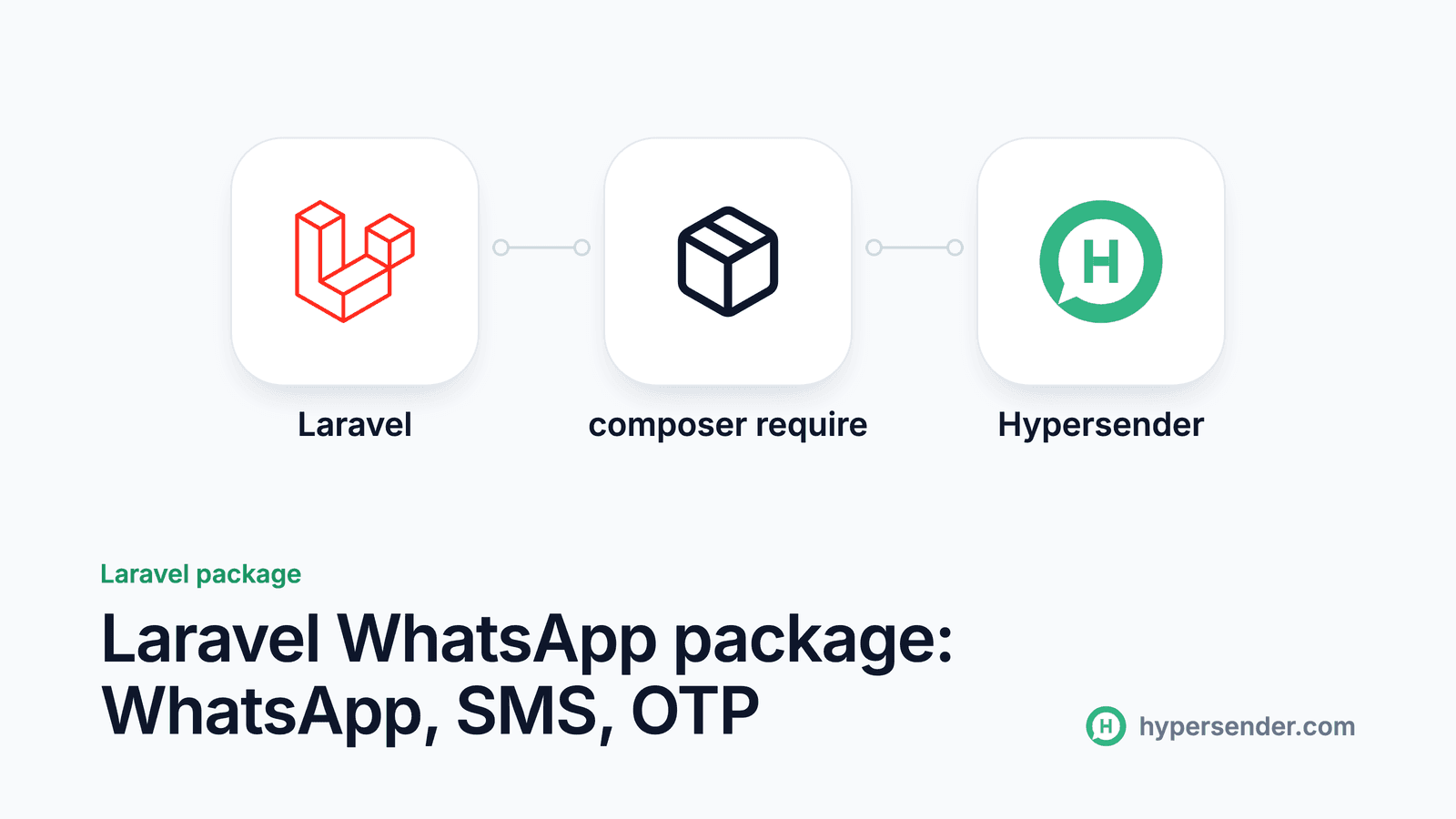
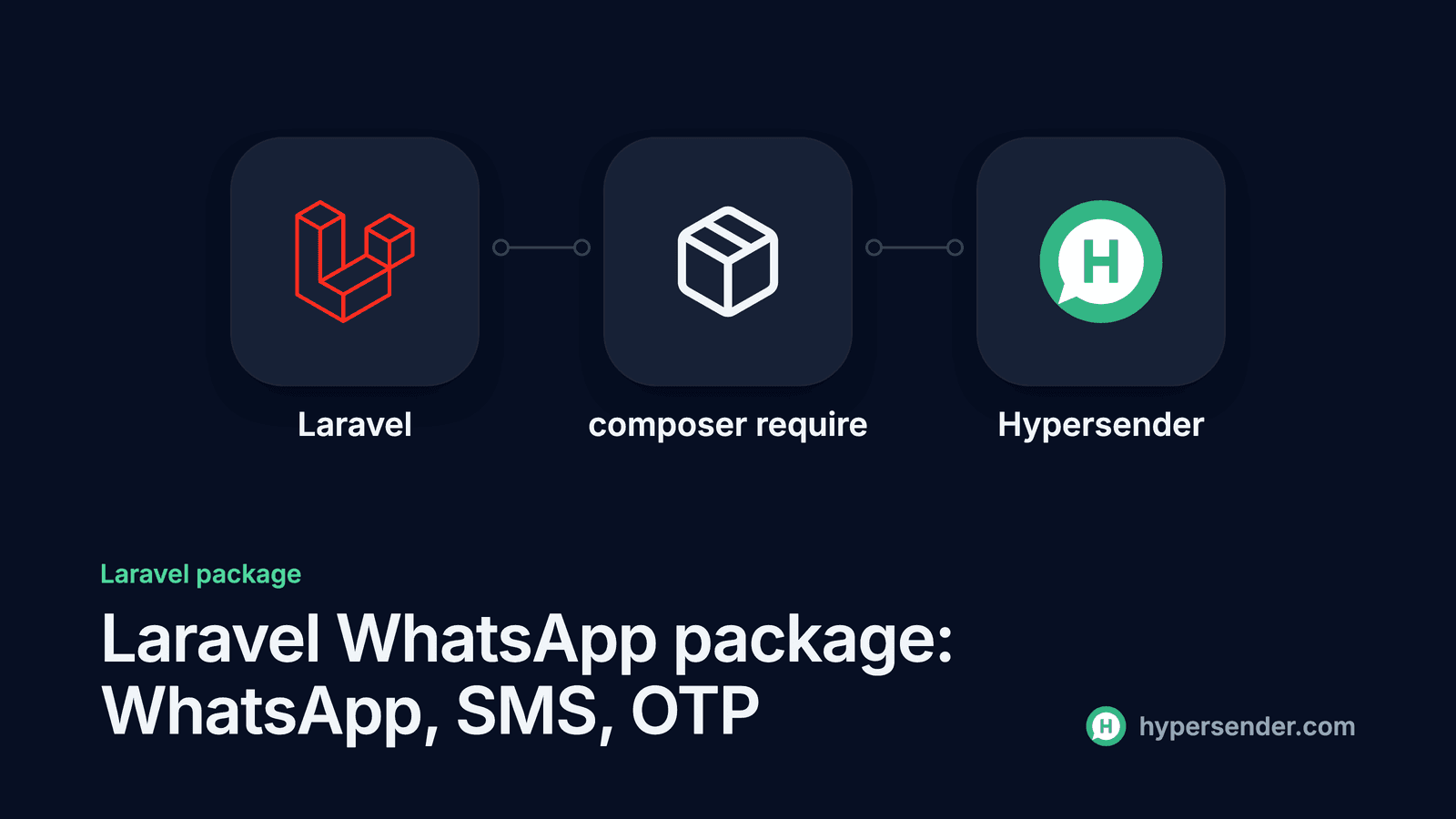
The Hypersender Laravel WhatsApp package sends WhatsApp messages, SMS from your own Android phone, and OTP codes from one facade. It registers webhook routes, verifies the secret, and fires a Laravel event for each webhook type, so incoming messages reach your listeners like any other event.
It needs Laravel 10, 11 or 12 and PHP 8.2 or newer. For a step-by-step WhatsApp walkthrough, read how to send WhatsApp messages in Laravel.
Install the package
composer require hypersender/hypersender-laravel
php artisan vendor:publish --tag=hypersender-config
Each channel has its own keys in .env. Add only the ones you use:
HYPERSENDER_WHATSAPP_API_KEY=
HYPERSENDER_WHATSAPP_INSTANCE_ID=

HYPERSENDER_SMS_API_KEY=
HYPERSENDER_SMS_INSTANCE_ID=

HYPERSENDER_OTP_API_KEY=
HYPERSENDER_OTP_INSTANCE_ID=use Hypersender\Hypersender;
Hypersender::whatsapp()->safeSendTextMessage(
chatId: '201234567890@c.us',
text: 'Your order #1042 has shipped.',
)->throw();safeSendTextMessage waits a few seconds based on the text length and shows typing first. The same client sends images, files, videos, voice notes, polls, locations, contact cards and links with a custom preview. Uploads take an Illuminate\Http\UploadedFile:
Hypersender::whatsapp()->sendFile(
    chatId: '201234567890@c.us',
    file: $request->file('invoice'),
    caption: 'Your invoice',
);
Every request is queued by the API and returns a queued_request_uuid. Check the result with getQueuedRequest($uuid), or wait for the MessageAck webhook. The send messages reference lists every method.
SMS from your Android phone
The SMS client sends from the SIM of an Android phone running the Hypersender SMS app. requestId makes retries safe: the same ID never sends twice.
use Illuminate\Support\Str;

Hypersender::sms()->sendMessage(
    content: 'Reminder: your appointment is tomorrow at 10:00.',
    requestId: (string) Str::uuid(),
    to: '+201234567890',
    scheduleSendAt: '2026-12-15 09:00:00',
);
See SMS usage for message lists, threads and heartbeats.
OTP codes and WhatsApp sign-in links
$otp = Hypersender::otp();

$otp->requestCode(
    chatId: '201234567890@c.us',
    length: 6,
    useNumber: true,
    useLetter: false,
    allCapital: false,
    name: 'Acme',
    expires: 300,
);

$valid = $otp->validateCode(chatId: '201234567890@c.us', code: $request->input('code'));
generateLink creates a WhatsApp sign-in link instead: the user sends a prefilled message, and your success or failure callback gets the result. The WhatsApp OTP page explains when to use each.
Webhooks as Laravel events
The package registers POST /whatsapp/webhook and POST /sms/webhook, checks the secret you set in .env, and dispatches a queued job that fires one event per webhook type.
use Hypersender\Events\Whatsapp\MessageAny;
use Hypersender\Events\Sms\MessagePhoneReceived;
use Illuminate\Support\Facades\Event;

Event::listen(MessageAny::class, fn (MessageAny $event) => logger()->info('WhatsApp in', $event->payload));
Event::listen(MessagePhoneReceived::class, fn (MessagePhoneReceived $event) => logger()->info('SMS in', $event->payload));
WhatsApp events include MessageAny, MessageAck, MessageReaction, MessageRevoked and PollVote. SMS events cover received, sent and delivered messages, failures, and phone heartbeats such as PhoneHeartbeatOffline.
To handle webhooks your own way, point HYPERSENDER_WHATSAPP_WEBHOOK_JOB at a job that implements Hypersender\Contracts\WhatsappWebhookJobInterface. The job names its queue from HYPERSENDER_WHATSAPP_QUEUE, so run a worker for it.
Configuration
| Setting | Default |
|---|---|
HYPERSENDER_WHATSAPP_WEBHOOK_ROUTE | whatsapp/webhook |
HYPERSENDER_WHATSAPP_WEBHOOK_AUTHORIZATION_SECRET | none, set it |
HYPERSENDER_WHATSAPP_QUEUE | default |
HYPERSENDER_SMS_WEBHOOK_ROUTE | sms/webhook |
HYPERSENDER_SMS_BASE_URL | https://app.hypersender.com/api/sms/v1 |
HYPERSENDER_OTP_BASE_URL | https://app.hypersender.com/api/otp/v2 |
Package versions up to v2.1.2 default the SMS base URL to /api/sms/v2, which doesn't exist. On those versions, set HYPERSENDER_SMS_BASE_URL as shown above.
The source is on GitHub, and the full reference starts at the installation guide. Create a Hypersender account to get your keys.