Developer guides
Golang WhatsApp API: Send and Receive Messages in Go
Golang WhatsApp guide: send messages and images from your own number with the Hypersender Go SDK, and receive replies with a net/http webhook.
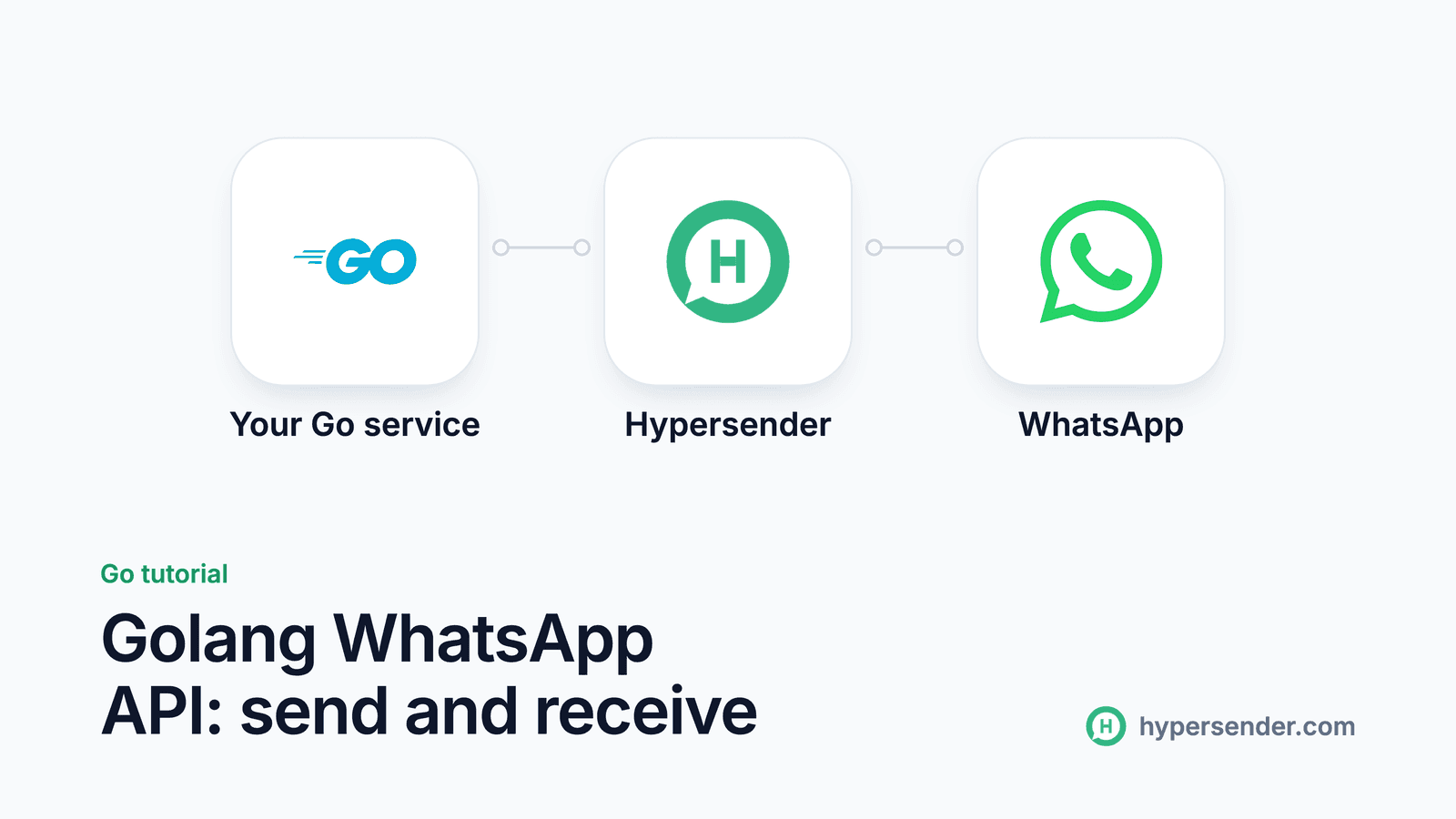
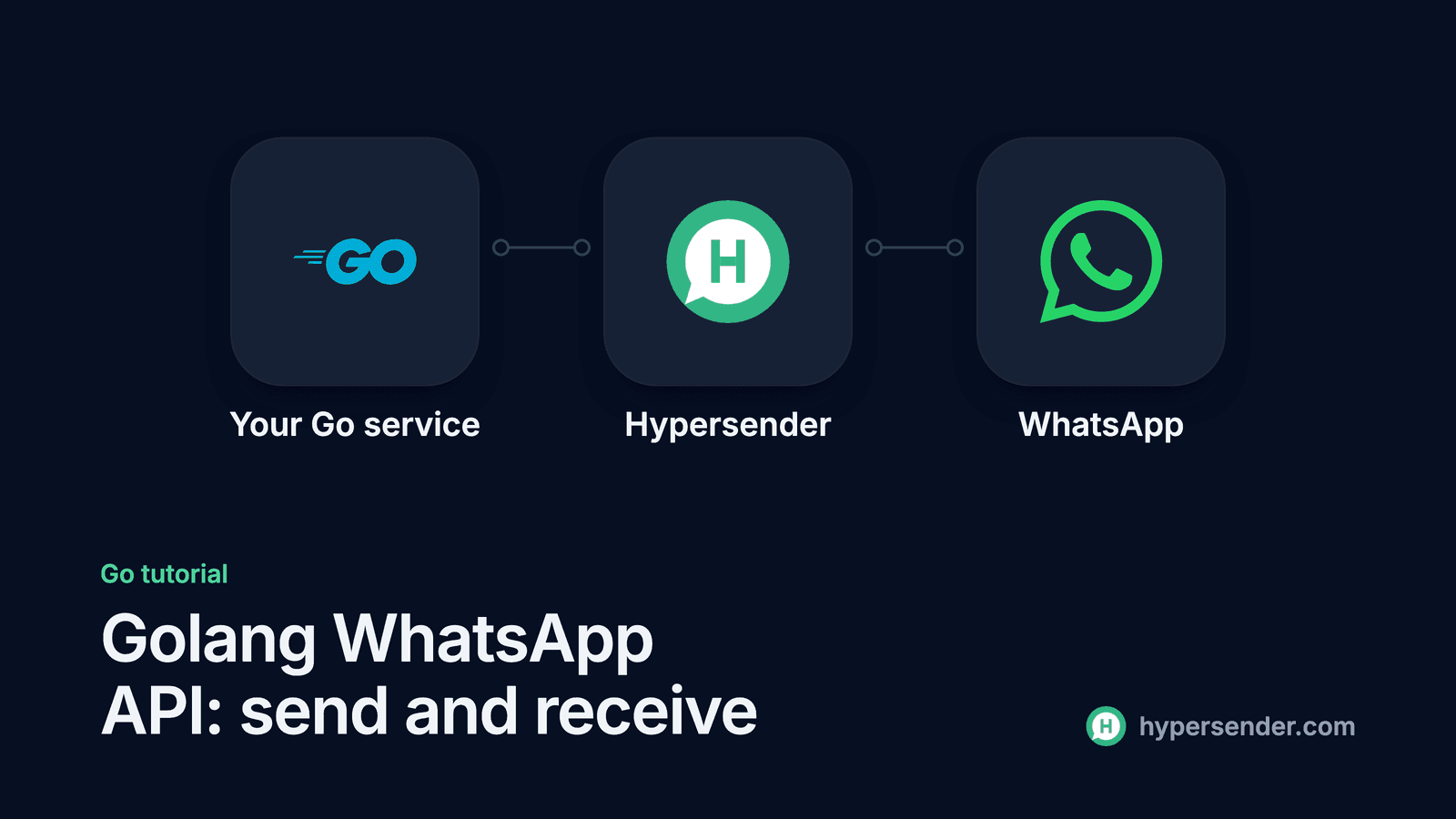
For Golang WhatsApp messaging you have two routes: run the whatsmeow library yourself, or call a hosted API from Go. This guide takes the second, with the Hypersender Go SDK. You send a text and an image from your own number, then receive messages with a plain net/http handler and reply to them.
whatsmeow, a self-hosted gateway, or a hosted API
Most Go WhatsApp projects you'll find fall into one of these:
| Option | You run | You look after |
|---|---|---|
| whatsmeow, the Go library | The WhatsApp client inside your own program | Session storage, reconnects, and updates whenever WhatsApp changes its protocol |
| A REST gateway built on whatsmeow (GOWA, WuzAPI) | A separate server that wraps the library | The server, its database, uptime and upgrades |
| A hosted API such as Hypersender | Nothing extra. Your Go code makes HTTPS calls | Only your own app. Sessions, servers and webhooks are handled for you |
whatsmeow is free and powerful if you want full control and don't mind running it. The hosted route costs a flat monthly price per number and leaves you with a dependency-free SDK, webhooks, webhook logs and alerts when WhatsApp restricts a number. Both link a regular number by QR code, outside Meta's official API, so the same WhatsApp rules apply.
Install the Go SDK
You need Go 1.24 or newer and a Hypersender account with a WhatsApp instance linked by QR code. Then:
go get github.com/hypersender/hypersender-goThe SDK uses only the standard library. It reads its credentials from the environment:
export HYPERSENDER_WHATSAPP_API_KEY=your_api_key
export HYPERSENDER_WHATSAPP_INSTANCE_ID=your_instance_id
Send a WhatsApp message from Go
package main

import (
	"context"
	"fmt"
	"log"

	hypersender "github.com/hypersender/hypersender-go"
)

func main() {
	ctx := context.Background()
	client := hypersender.NewClient()

	res, err := client.WhatsApp.SendTextSafe(ctx, "201001234567@c.us", "Hi Omar, your order #1042 has shipped.", nil)
	if err != nil {
		log.Fatal(err)
	}

	fmt.Println("queued:", res["queued_request_uuid"])
}
Run it with go run . and the message reaches the phone a moment later.
SendTextSafeshows "typing…" and pauses briefly first, so many messages go out at a natural pace.SendTextsends immediately, which suits login codes.- The chat ID is the number with its country code and no
+, followed by@c.us. Groups end in@g.us. - Every method takes a
context.Contextfirst, so timeouts and cancellation work as in the rest of your code. Requests are queued and return aqueued_request_uuidstraight away.
Send an image
Media methods take a URL or any io.Reader:
_, err := client.WhatsApp.SendImage(ctx, "201001234567@c.us",
	hypersender.MediaURL("https://example.com/receipts/1042.png"),
	&hypersender.MediaOptions{Caption: "Your receipt for order #1042"})
To upload a local file instead, pass hypersender.MediaFile("receipt.png", f) with an open *os.File. Files, videos, voice notes, polls and locations work the same way; the Go send-messages reference lists them all.
Receive messages and reply
Hypersender posts every new message to your webhook URL, with your secret in the Authorization header. This small bot answers two keywords and shows a menu for anything else:
package main

import (
	"crypto/subtle"
	"encoding/json"
	"log"
	"net/http"
	"os"
	"strings"

	hypersender "github.com/hypersender/hypersender-go"
)

var (
	secret = os.Getenv("HYPERSENDER_WHATSAPP_WEBHOOK_SECRET")
	client = hypersender.NewClient()
)

type webhook struct {
	Event string `json:"event"`
	Data  struct {
		Payload struct {
			From   string `json:"from"`
			Body   string `json:"body"`
			FromMe bool   `json:"fromMe"`
		} `json:"payload"`
	} `json:"data"`
}

func handle(w http.ResponseWriter, r *http.Request) {
	if subtle.ConstantTimeCompare([]byte(r.Header.Get("Authorization")), []byte(secret)) != 1 {
		http.Error(w, "unauthorized", http.StatusUnauthorized)
		return
	}
	var hook webhook
	if err := json.NewDecoder(r.Body).Decode(&hook); err != nil {
		http.Error(w, "bad request", http.StatusBadRequest)
		return
	}
	msg := hook.Data.Payload
	// Only new messages from people: skip receipts, your own messages and groups.
	if hook.Event != "message.any" || msg.FromMe || !strings.HasSuffix(msg.From, "@c.us") {
		w.WriteHeader(http.StatusOK)
		return
	}

	reply := "Hi! Reply *hours* for our opening hours or *order* to track an order."
	switch strings.ToLower(strings.TrimSpace(msg.Body)) {
	case "hours":
		reply = "We're open Sunday to Thursday, 9 am to 6 pm."
	case "order":
		reply = "Send your order number and we'll check it for you."
	}

	if _, err := client.WhatsApp.SendText(r.Context(), msg.From, reply, nil); err != nil {
		log.Println("reply failed:", err)
	}
	w.WriteHeader(http.StatusOK)
}

func main() {
	if secret == "" {
		log.Fatal("set HYPERSENDER_WHATSAPP_WEBHOOK_SECRET")
	}
	http.HandleFunc("POST /whatsapp/webhook", handle)
	log.Fatal(http.ListenAndServe(":8080", nil))
}
Run it, expose port 8080 with a tunnel such as ngrok while you build, and add the HTTPS URL plus the same secret to your instance's webhooks in the dashboard. Message your number and the bot replies.
subtle.ConstantTimeComparechecks the secret without leaking timing, and the program won't start with an empty secret.fromMeis true for messages your own number sent, so the bot doesn't answer itself.- The handler replies in the request. For slow work, return
200first and process the message in a goroutine or a queue. The Go webhooks guide lists every event.
The same handler works in Gin, Echo or chi, since they all accept a standard http.HandlerFunc.
SMS and OTP from the same SDK
The Go SDK also covers the SMS API, which sends from the SIM in an Android phone, and the OTP API for login codes and WhatsApp sign-in links. Set HYPERSENDER_SMS_* or HYPERSENDER_OTP_* variables and the same client has client.SMS and client.OTP. See the WhatsApp OTP use case for the login flow.
Next steps
- Write messages that pass WhatsApp's rules with the message templates tool
- Read how to avoid a WhatsApp number ban before you message a list
- Compare costs on the WhatsApp API pricing page
Create a Hypersender account, link your number with a QR code and send your first message from Go. The first 14 days are free.