Same connection, more in the box
UltraMsg and Hypersender work the same way underneath: you scan a QR code, and your number becomes a linked device that your code can send from. Neither charges per message. So the difference is in price and in what comes with it.
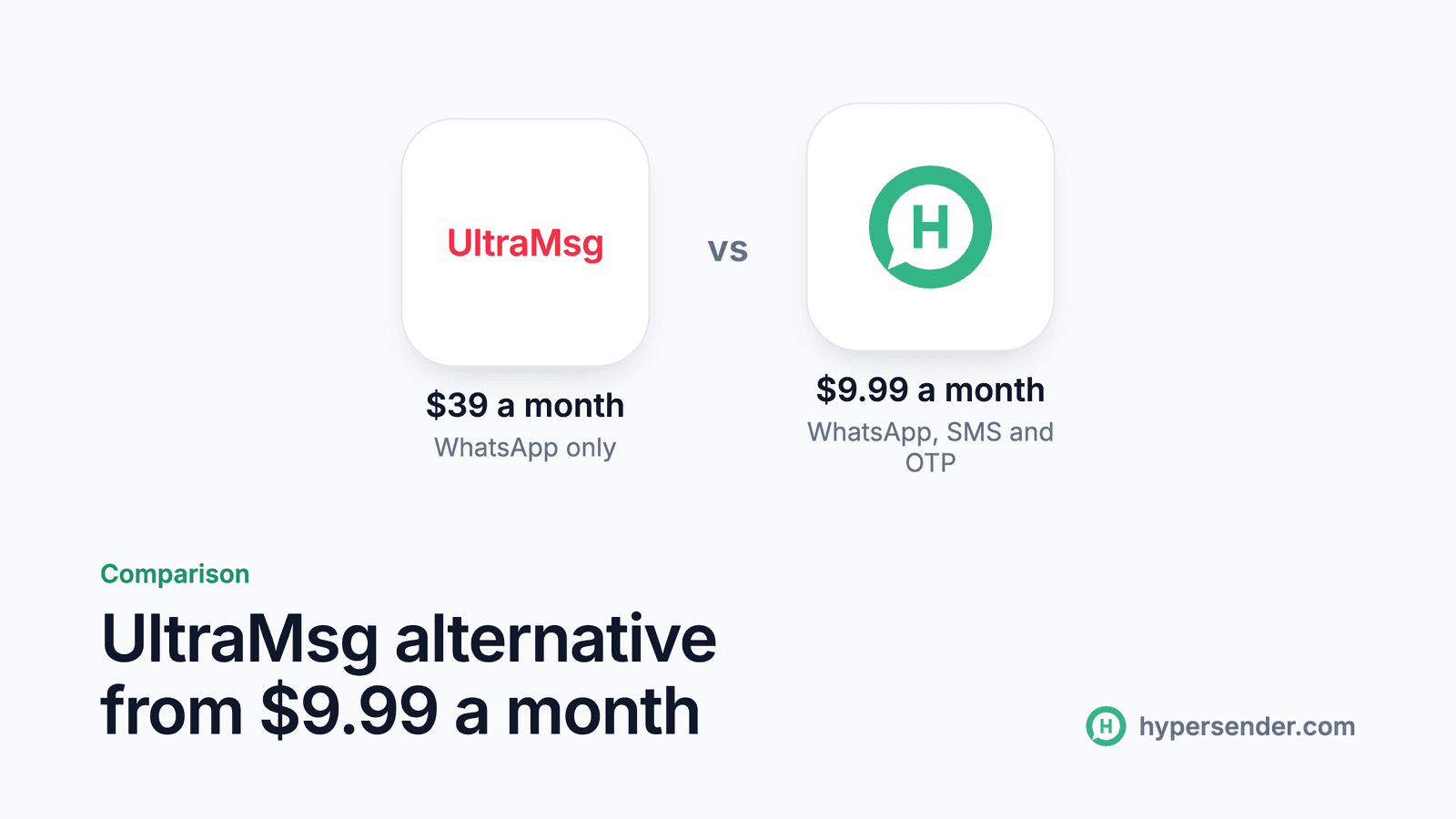
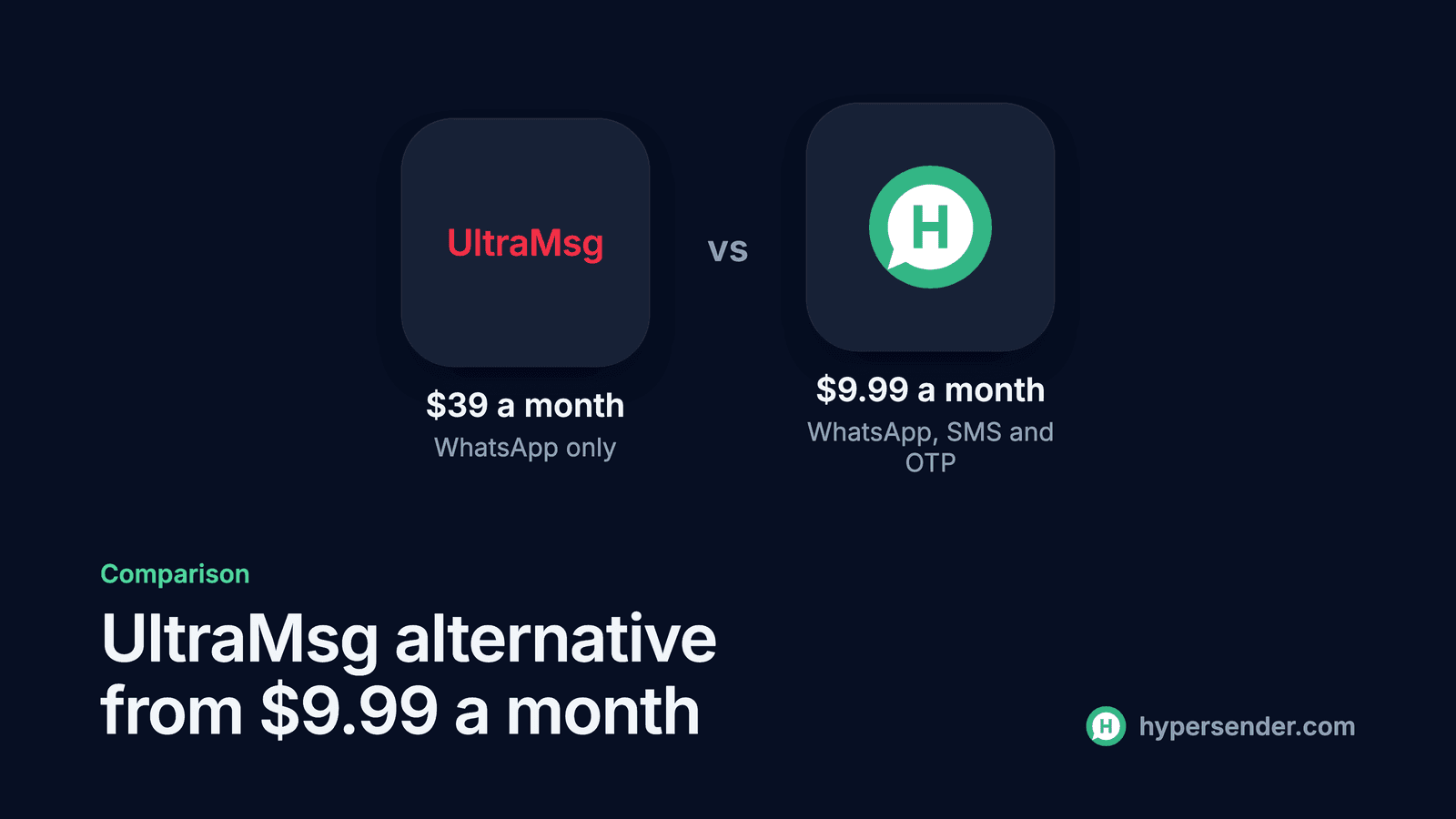
With UltraMsg you pay $39 a month for WhatsApp messaging. With Hypersender, $9.99 a month covers the same sending and receiving, and the rest comes with the plan: the OTP API, the SDKs, Webhook Logs and an SMS gateway on an Android phone.
About the ban risk
Some UltraMsg alternatives say their main selling point is Meta's official API with "no ban risk". That's a real trade-off, but the official route charges a fee on most messages and needs template approval, which is often why people chose UltraMsg in the first place.
If you stay with a QR-linked number, the habits matter more than the provider: message people who expect it, keep a human pace and let people opt out. Hypersender helps on the second part. The dashboard warns you when WhatsApp restricts a number, and the send-text-safe endpoint adds typing and short pauses. Our guide on avoiding a WhatsApp number ban covers the rest.
How to switch
- Create a Hypersender account and add a WhatsApp instance.
- Log the number out of UltraMsg, then scan the Hypersender QR code with it.
- Swap the endpoint and token in your code. A text message looks like this:
curl -X POST "https://app.hypersender.com/api/whatsapp/v2/{instance}/send-text" \
  -H "Authorization: Bearer <token>" \
  -H "Content-Type: application/json" \
-d '{"chatId": "966501234567@c.us", "text": "Your appointment is confirmed for Sunday at 10:00."}'- Point your webhook URL at Hypersender's events so replies keep reaching your app.
If you're on PHP or Laravel, the Laravel package replaces the raw requests with one line per message.