Guides
How to Send WhatsApp Message Without Saving Number: 3 Ways
How to send WhatsApp message without saving number: a wa.me link, the new chat search, or a tap on the number, on phone or computer.
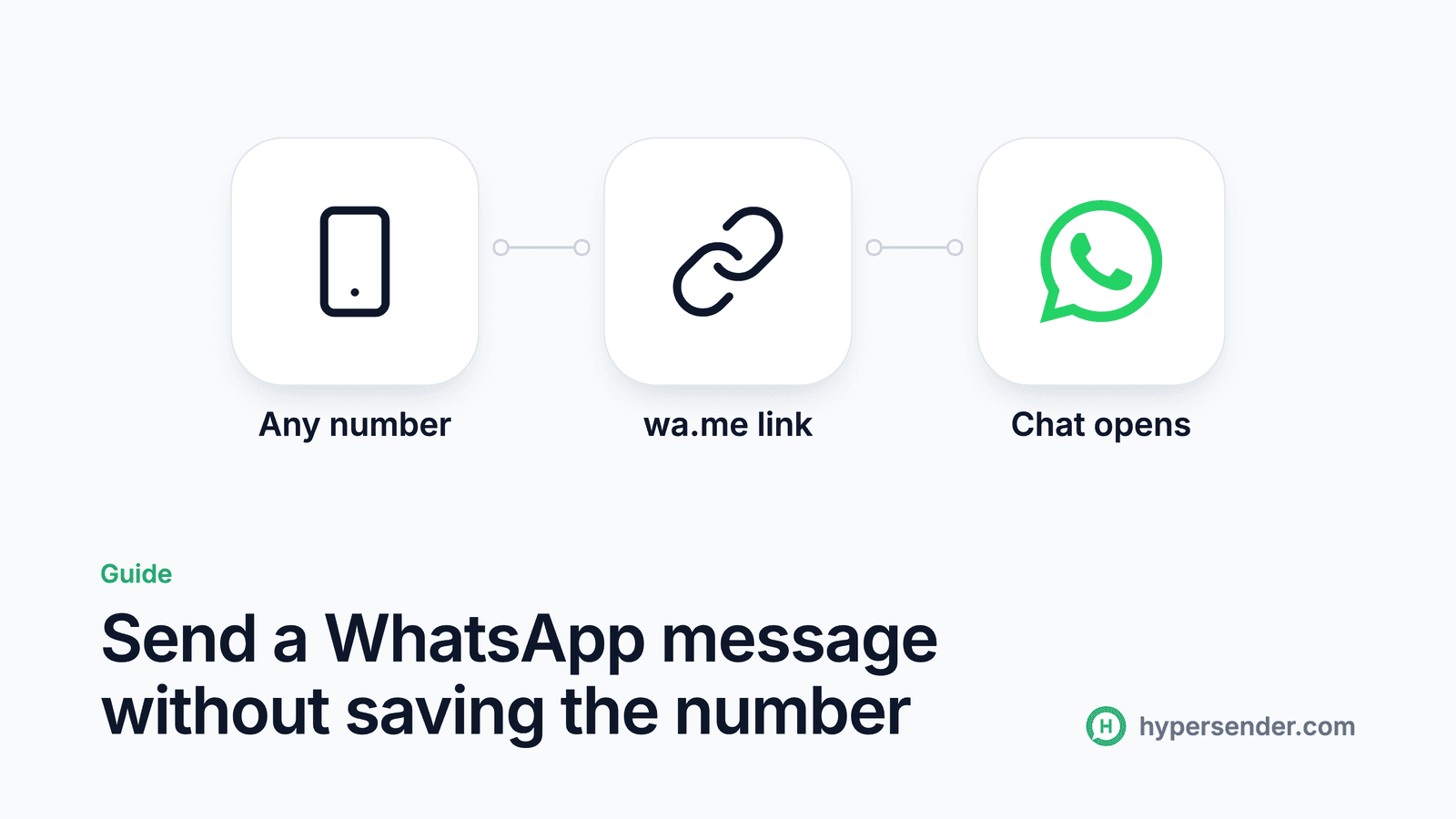
How to send WhatsApp message without saving number: type wa.me/ followed by the full number in your browser, and WhatsApp opens a chat with it. You don't add a contact, and the number doesn't end up in your phone's address book. There are two more ways inside the WhatsApp app on Android and iPhone.
Use a wa.me link (works everywhere)
WhatsApp's own click to chat link opens a chat with any number that has a WhatsApp account.
- Write the number in full international format: country code first, then the number, with no
+, spaces, dashes, brackets or leading zeros. - Add it after
https://wa.me/, for examplehttps://wa.me/201012345678. - Open the link in your phone's browser or on your computer. WhatsApp opens the chat, and on a computer it asks whether to continue in WhatsApp Web or the desktop app.
- Type your message and send it.
Most mistakes are in step 1. Drop the leading 0 that you dial at home and put the country code in front:
| Number as you dial it | In the link |
|---|---|
| 010 1234 5678 (Egypt) | 201012345678 |
| 050 123 4567 (Saudi Arabia) | 966501234567 |
| 098765 43210 (India) | 919876543210 |
| (202) 555-0147 (US) | 12025550147 |
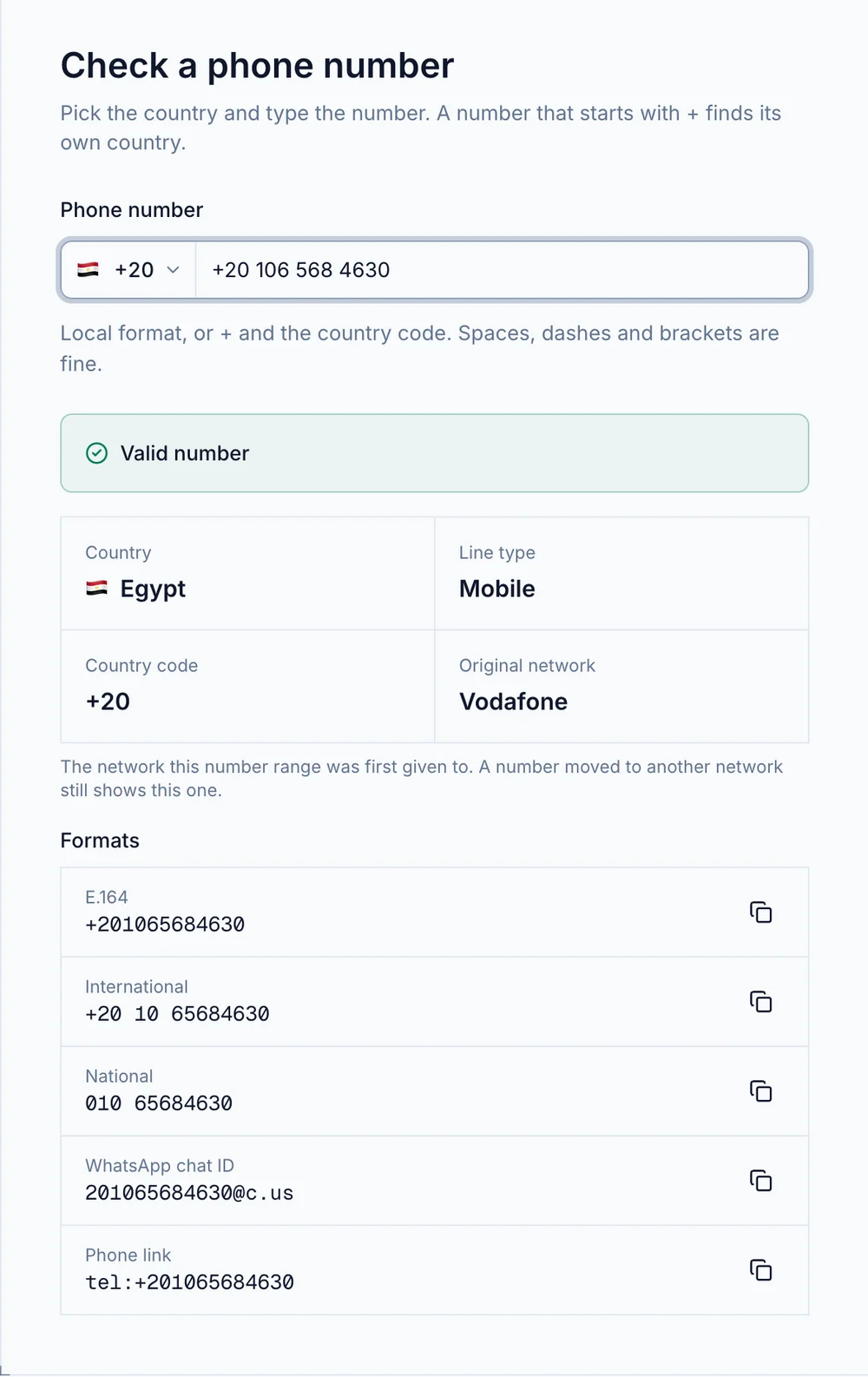
If you aren't sure about a number, paste it into the free phone validator. It tells you if the number is valid and which country it belongs to, and gives it back in international format, so you can copy the digits for the link.
Add a ready message
Put ?text= after the number and the chat opens with the message already typed: https://wa.me/201012345678?text=Hi%2C%20is%20the%20flat%20still%20available%3F. Spaces and punctuation have to be encoded, so it's easier to let a tool build the link. The WhatsApp link generator takes the number and the message and gives you a short link and a QR code.
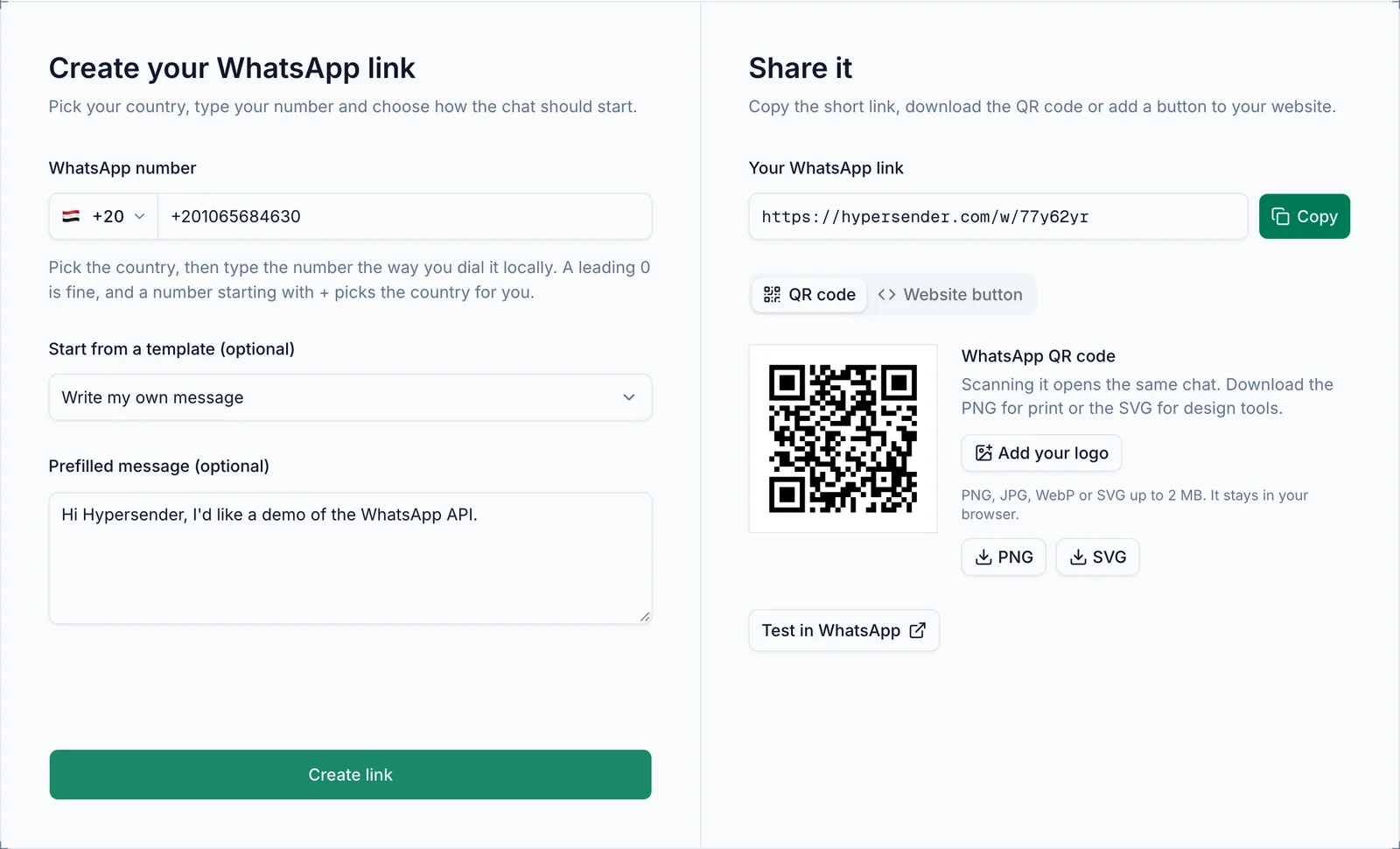
The QR code above is real: scan it and WhatsApp opens a chat with Hypersender's sales team, with the message already typed.
Start a chat from WhatsApp's new chat screen
On Android and iPhone you can start the chat without leaving WhatsApp:
- Tap the new chat button.
- Type or paste the number, with the country code, into the search bar at the top.
- If the number has a WhatsApp account, it appears in the results. Tap it and the chat opens.
The option reached phones gradually from 2023, so update WhatsApp if the number doesn't show up. Recent versions can also show a short check screen the first time you message a number you've never chatted with, with the number's country and whether you saved it. Continue from there to the chat.
On a computer, the Windows app accepts a number in its new chat search too. On WhatsApp Web, the wa.me link above is the dependable way.
Tap the number in any chat
WhatsApp turns a phone number written in a chat into something you can tap. That makes your own chat a handy scratchpad:
- Open the chat with yourself. It's at the top of the new chat list, marked as you.
- Paste the number and send it.
- Tap the number in the message and choose the option to chat with it.
It works the same with a number someone sent you in any chat, or in a group.
Call an unsaved number on WhatsApp
Open the chat with any of the ways above, then tap the voice or video call icon at the top. Some versions also have a keypad in the Calls tab for dialling a number directly; use it if you see it.
Why WhatsApp says the number isn't on WhatsApp
- The format is wrong. A leading 0, a missing country code or an extra digit points the link at a different number. Check it with the phone validator.
- The number really has no WhatsApp account. Landlines and new numbers often don't. Call or text instead.
- WhatsApp isn't installed or signed in on the device that opened the link. On a computer, link WhatsApp Web or the desktop app first.
Should you message someone who hasn't saved your number?
The person you message sees that you're not in their contacts, with buttons to block or report you. WhatsApp's messaging guidelines count "repeated unwanted contact" as spam, and a message people didn't expect is the fastest way to get reported. Say who you are and why you're writing in the first line, and wait for a reply before you send anything else.
For a business it works better the other way around: let the customer message you first. A wa.me link or QR code on your website or receipts opens a chat with your number, so the customer starts the conversation and you can reply right away.
Sending to many numbers you haven't saved
Opening one link per customer doesn't scale. With the Hypersender WhatsApp API your app sends from your own WhatsApp number to a chat ID such as 201012345678@c.us, with no contact saved on the phone. It's meant for messages customers expect: order updates, appointment reminders, sign-in codes and replies to their questions.
The same care applies at scale. Our guide to avoiding a WhatsApp ban covers sending speed and opt-outs, and the WhatsApp message templates are ready messages written to WhatsApp's rules.
Next steps
- Make a short link and QR code for your number with the WhatsApp link generator
- Clean up a list of numbers with the phone validator, up to 1,000 at a time
- See how order updates and appointment reminders work through the API
Create a Hypersender account, connect your number with a QR code, and message customers without saving a single contact. The first 14 days are free.