Developer guides
Forward Text Messages to Email or Slack from Android
Forward text messages to email or Slack from an Android phone: each SMS reaches your webhook, and a short Python handler or n8n sends it on.
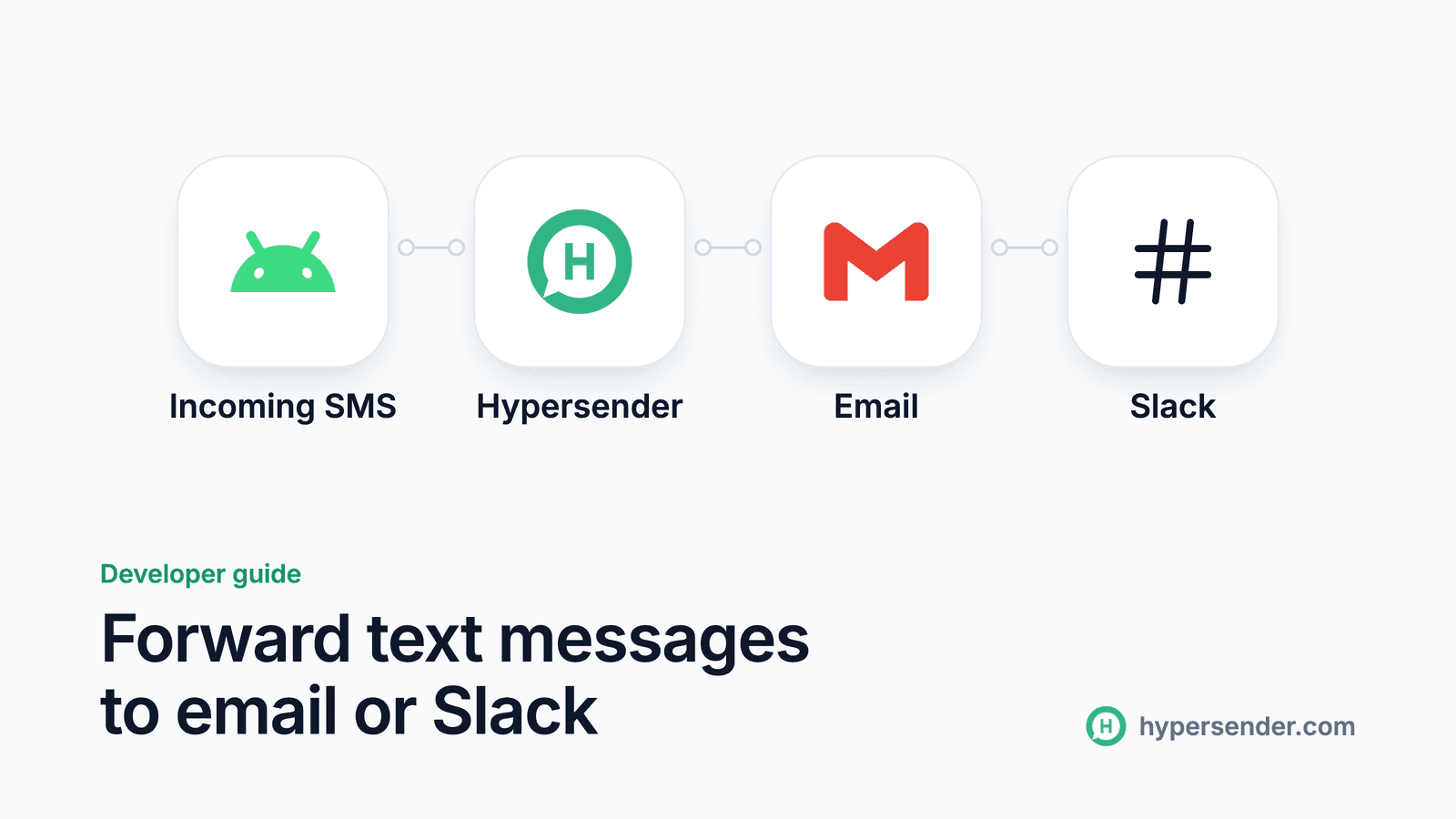
Teams forward text messages to email or Slack for the same few reasons: sign-in codes for a shared account arrive on one phone, bank alerts need to reach finance, or customers text a number nobody watches all day. This guide sets that up with an Android phone, the Hypersender SMS app, and a webhook. Each SMS reaches your server once the phone passes it on, and your handler emails it or posts it to a Slack channel.
How it works
- The Hypersender SMS app on the phone receives the SMS.
- Rules on the phone decide whether it leaves the phone at all, and tag it (
otp,bank, and so on). - Hypersender sends it to your webhook URL as a
message.phone.receivedevent. - Your handler, or an n8n workflow, sends it to email, Slack, or both.
Hypersender doesn't send the email or the Slack message itself. Step 4 is yours, which means you decide the format, the channel, and who sees what.
What you need
- An Android phone with the SIM that receives the messages, with Hypersender SMS 1.50 or newer
- A Hypersender account with an SMS instance linked to the phone (quick start)
- For Slack: an incoming webhook URL for the channel
- For email: SMTP details from your email provider
1. Choose which messages to forward
By default, every SMS the phone receives is forwarded. That's rarely what you want in a Slack channel. Open the Rules tab in the app and narrow it down:
- Only sign-in codes: add the Forward only OTP codes template and accept the offer to turn on Forward only messages that match a rule. Everything else stays on the phone.
- Bank alerts: add the Bank alerts template. It tags messages from your banks
bank. - Keep promotions out: add Block promotional SMS and Carrier messages.
The tags travel with the message, so your handler can send codes to Slack and bank alerts to email. Filter and tag incoming SMS with rules covers every template.
2. Add the webhook in Hypersender
In the Hypersender dashboard, open your SMS instance and add a webhook:
- URL: your handler's public HTTPS address, for example
https://example.com/hypersender/sms - Events:
message.phone.received - Authorization Secret: a long random string. Hypersender sends it in the
Authorizationheader, exactly as you saved it, so your handler can reject requests that don't carry it.
Each incoming SMS then arrives like this:
{
  "event": "message.phone.received",
  "data": {
    "id": "9f1c2b7e-4d3a-4c8e-9b6f-2a7d5e8c1f04",
    "from_phone_number": "+201000000002",
    "content": "Your code is 4455",
    "sim": "SIM1",
    "tags": ["otp"],
    "received_at": "2026-11-27 10:04:24"
  }
}
3. Forward SMS to email and Slack in Python
This Flask handler checks the secret, then posts codes to Slack and emails everything else:
import hmac
import os
import smtplib
from email.message import EmailMessage

import requests
from flask import Flask, request

app = Flask(__name__)
seen = set()  # use your database in production


def to_slack(sms):
    text = f"SMS from {sms['from_phone_number']} ({sms['sim']}):\n{sms['content']}"
    requests.post(os.environ["SLACK_WEBHOOK_URL"], json={"text": text}, timeout=10).raise_for_status()


def to_email(sms):
    msg = EmailMessage()
    msg["Subject"] = f"SMS from {sms['from_phone_number']}"
    msg["From"] = os.environ["SMTP_FROM"]
    msg["To"] = os.environ["FORWARD_TO"]
    msg.set_content(f"{sms['content']}\n\nReceived {sms['received_at']} on {sms['sim']}")
    with smtplib.SMTP(os.environ["SMTP_HOST"], 587) as smtp:
        smtp.starttls()
        smtp.login(os.environ["SMTP_USER"], os.environ["SMTP_PASSWORD"])
        smtp.send_message(msg)


@app.post("/hypersender/sms")
def receive_sms():
    secret = os.environ["HYPERSENDER_WEBHOOK_SECRET"]
    if not hmac.compare_digest(request.headers.get("Authorization", ""), secret):
        return "", 401

    payload = request.get_json()
    sms = payload["data"]
    if payload["event"] != "message.phone.received" or sms["id"] in seen:
        return "", 204

    if "otp" in sms["tags"]:
        to_slack(sms)
    else:
        to_email(sms)
    seen.add(sms["id"])
    return "", 204
Install the two packages with pip install flask requests, set the environment variables, and run it behind HTTPS.
A few details matter:
- Duplicates: Hypersender retries a webhook that doesn't get a
2xxanswer, so the same SMS can arrive twice. The handler remembersdata.idand skips repeats. Keep those IDs in your database so they survive a restart. - Failures: the ID is saved only after Slack or email accepted the message. If sending fails, the handler returns an error, and the retry tries again.
- Speed: answer quickly. For a few messages an hour, sending inline is fine. For more, save the payload and send from a background job.
Slack shows the message in the channel the incoming webhook belongs to. To route bank alerts to one channel and codes to another, create one incoming webhook per channel and pick the URL by tag.
Forward without code in n8n, Zapier, or Make
Any automation tool with a webhook trigger works the same way. In n8n:
- Add a Webhook node with method
POST, Header Auth set toAuthorizationwith your secret, and copy its Production URL into the Hypersender webhook. - Add an If node that keeps events where
{{ $json.body.event }}ismessage.phone.received. - Add a Slack node or a Send Email node, and use
{{ $json.body.data.content }}and{{ $json.body.data.from_phone_number }}in the message.
The n8n WhatsApp integration guide walks through the Webhook and If nodes with screenshots of the settings. Zapier's and Make's webhook triggers take the same URL.
Forward SMS to another phone
To send the message on as an SMS instead, call the send-message endpoint from your handler with the number to forward it to. Build request_id from the incoming message ID so a retried webhook never forwards it twice. SMS forwarding from Android shows the full request.
Keep the forwarding running
Forwarding stops when the phone does. Two things keep it reliable:
- Follow keep the app running so Android doesn't pause the app to save battery.
- Add
phone.heartbeat.offlineto the webhook's events, and have the handler post a warning to Slack when it arrives. You'll know within about an hour if the phone goes offline.
Codes and bank alerts are sensitive. Post them to a private channel, and forward only what each team needs.
Troubleshooting
Nothing arrives. Check that the webhook uses message.phone.received, that the URL is public HTTPS (Hypersender doesn't deliver to localhost), and that a rule isn't keeping the message on the phone. The app's Activity screen shows which rule matched.
The handler returns 401. The secret in the dashboard and the one in your environment differ. Look for a trailing space, and note there is no Bearer prefix unless you saved one.
Every message is posted twice. Your handler is slow or returns an error, and Hypersender retries. Answer with 2xx sooner and keep the duplicate check.
Next steps
- Auto reply text messages on Android from the same phone
- Every event and header in the SMS webhooks reference
- Python SDK helpers for SMS webhooks in Python
Create a Hypersender account, link your Android phone, and point its webhook at your handler.