Product updates
Hypersender SMS 1.50: Rules, Tags in Webhooks, and Full Arabic
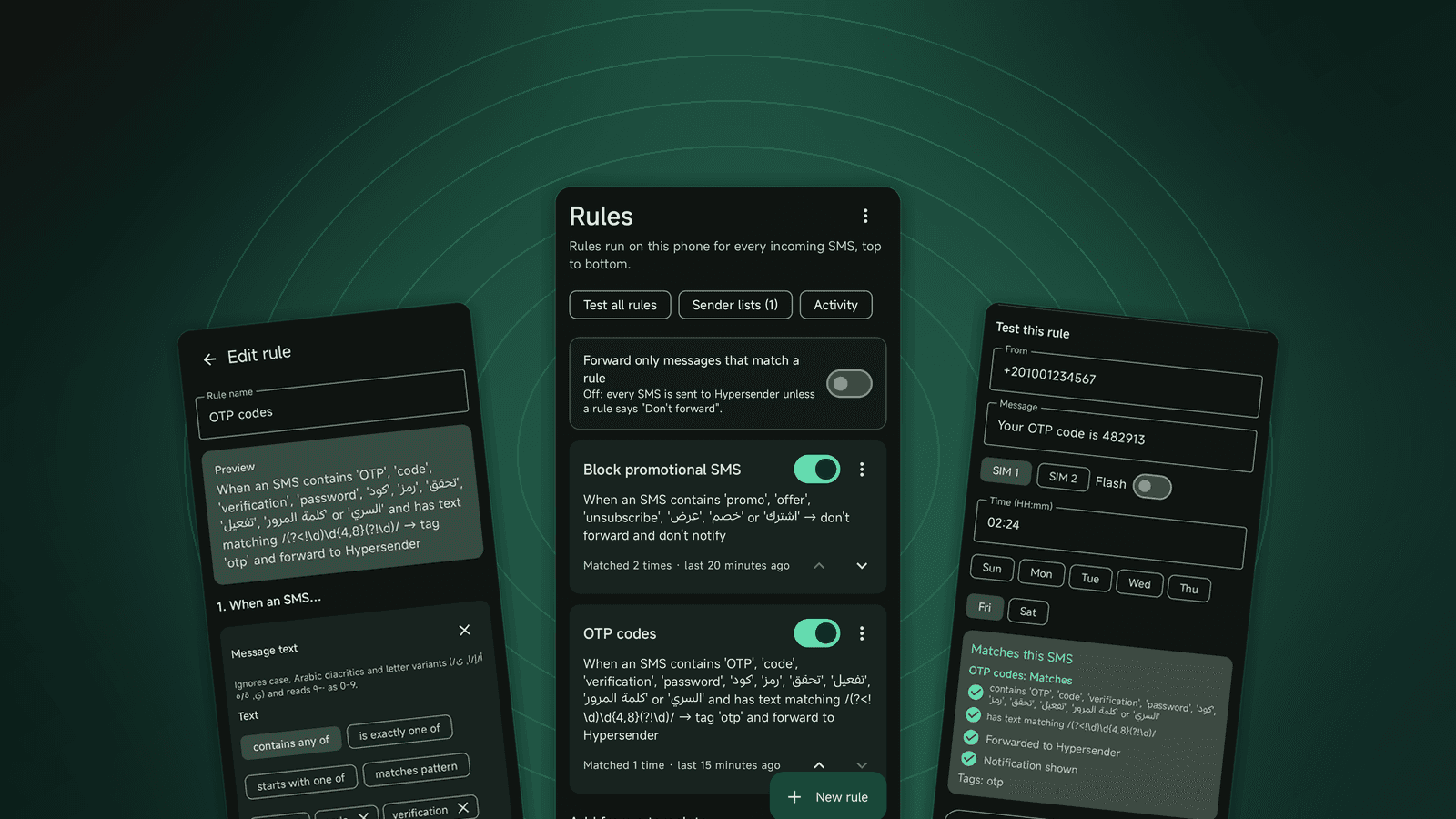
Hypersender SMS 1.50 for Android adds rules that filter, tag, and auto-reply to incoming SMS on the phone, sends tags to your webhooks, and supports Arabic.
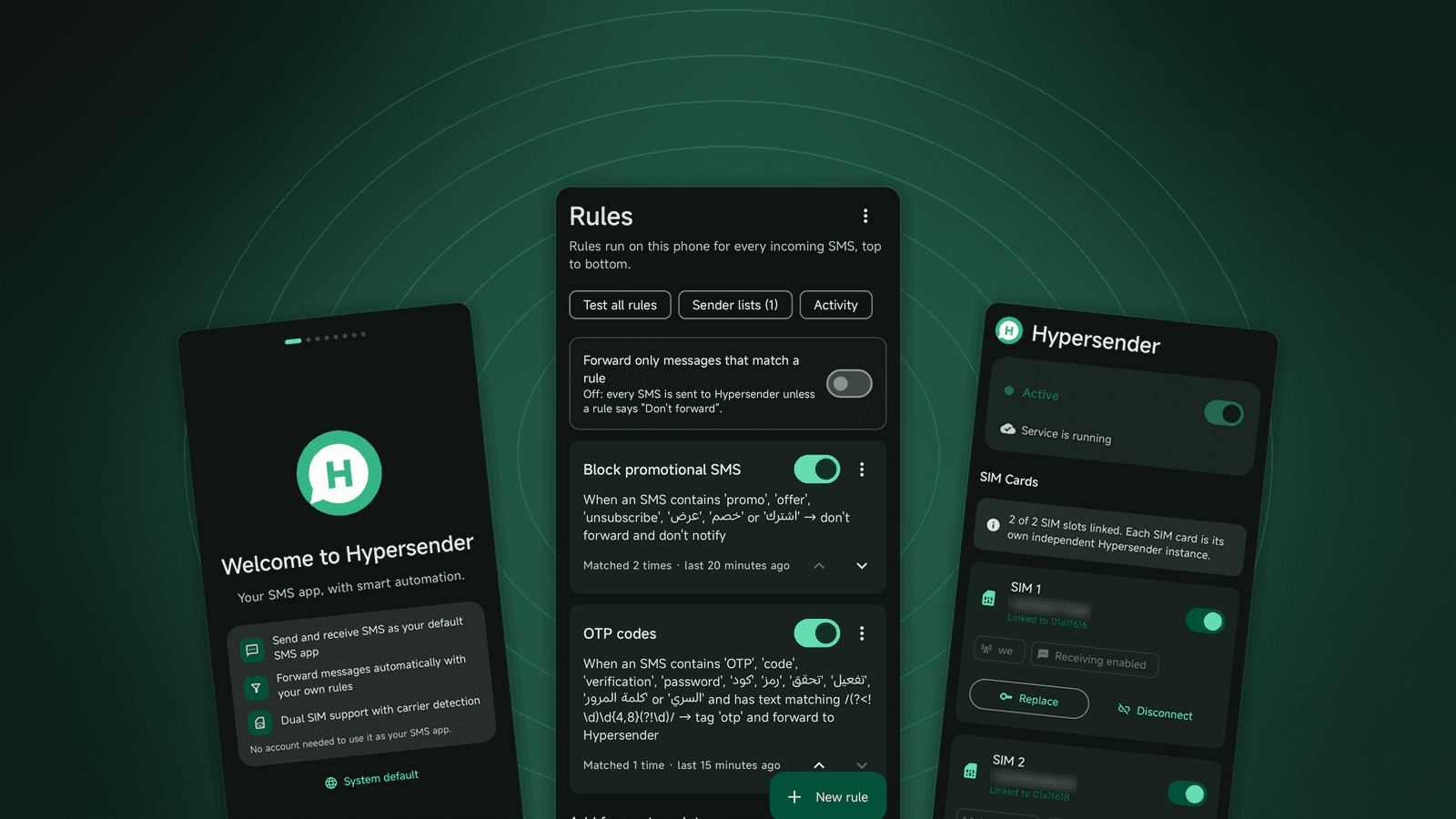
Hypersender SMS 1.50 is out on Google Play. It is the biggest update to the Android app so far. You can now decide what happens to each incoming SMS right on the phone, your webhooks receive the tags those rules add, and the whole app works in Arabic.
Here is what changed and how to use it.
Rules for incoming SMS
Until now, every SMS that reached your phone went to your Hypersender account. That is still the default. With rules, you choose what happens before a message leaves the phone:
- Keep promotions and carrier notices on the phone, without a notification.
- Tag verification codes as
otpand bank alerts asbank. - Reply automatically outside working hours, once per sender.
- Forward only the messages that match a rule and keep everything else private.
Rules run on the phone itself, from top to bottom, every time an SMS arrives. Turn on Forward only messages that match a rule, and nothing leaves the phone unless one of your rules says so.
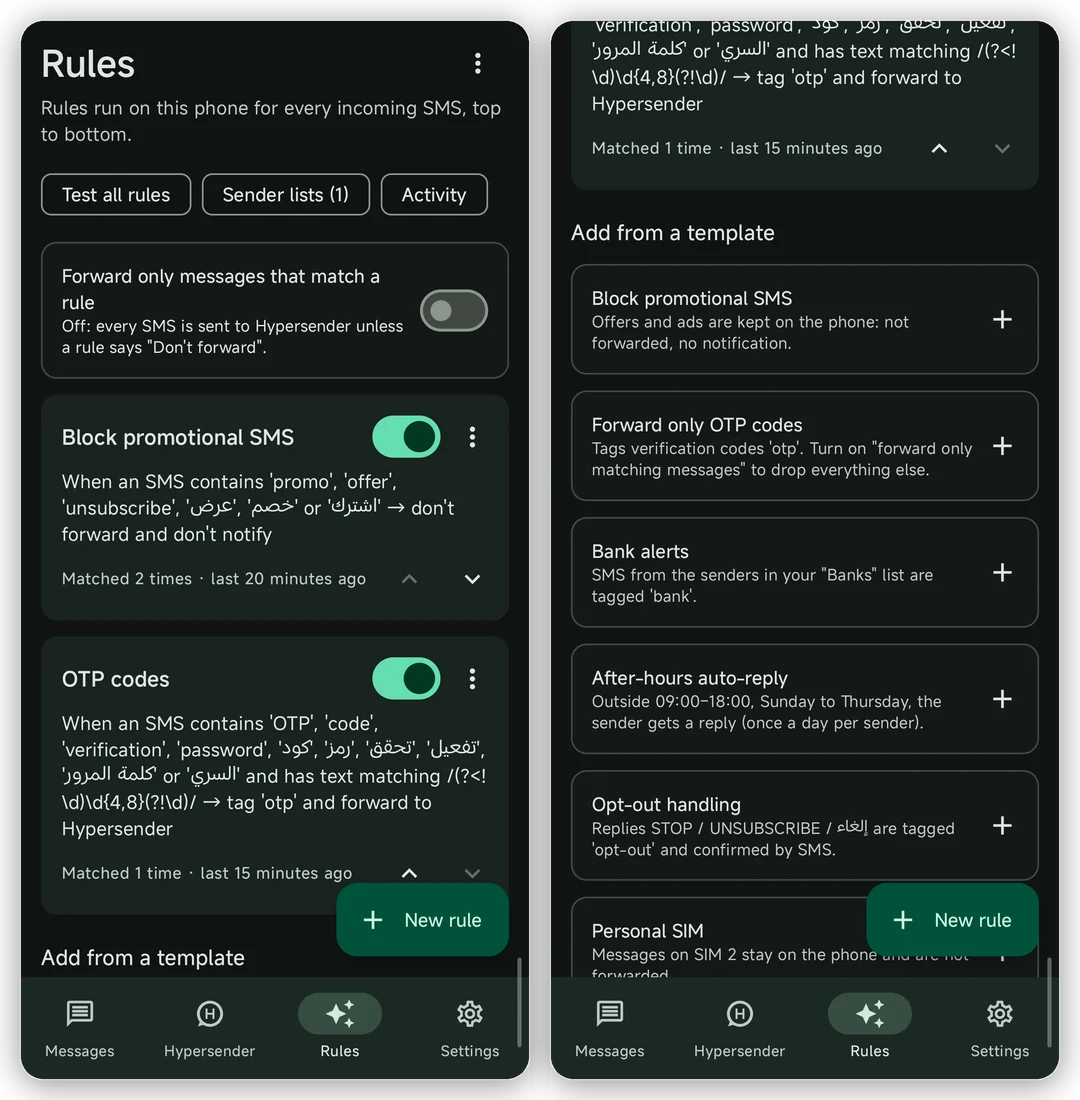
Each rule reads like a sentence, so you can check it at a glance: "When an SMS contains 'offer' → don't forward and don't notify." Before you save, type a sample message into the test panel and see which rules match and what will happen to it.
We wrote a separate guide with examples for each template: Filter and tag incoming SMS with rules.
Tags arrive in your webhooks
When a rule tags a message, the tag travels with it. The message.phone.received webhook now includes a tags list and the sim the message arrived on:
{
  "event": "message.phone.received",
  "data": {
    "from_phone_number": "+201000000002",
    "content": "Your code is 4455",
    "sim": "SIM2",
    "tags": ["otp"],
    "status": "received"
  }
}
Your backend no longer has to guess what a message is. Route otp messages to your verification flow, send bank messages to finance, and ignore the rest. Messages without tags send an empty list, so existing integrations keep working as before.
Full Arabic
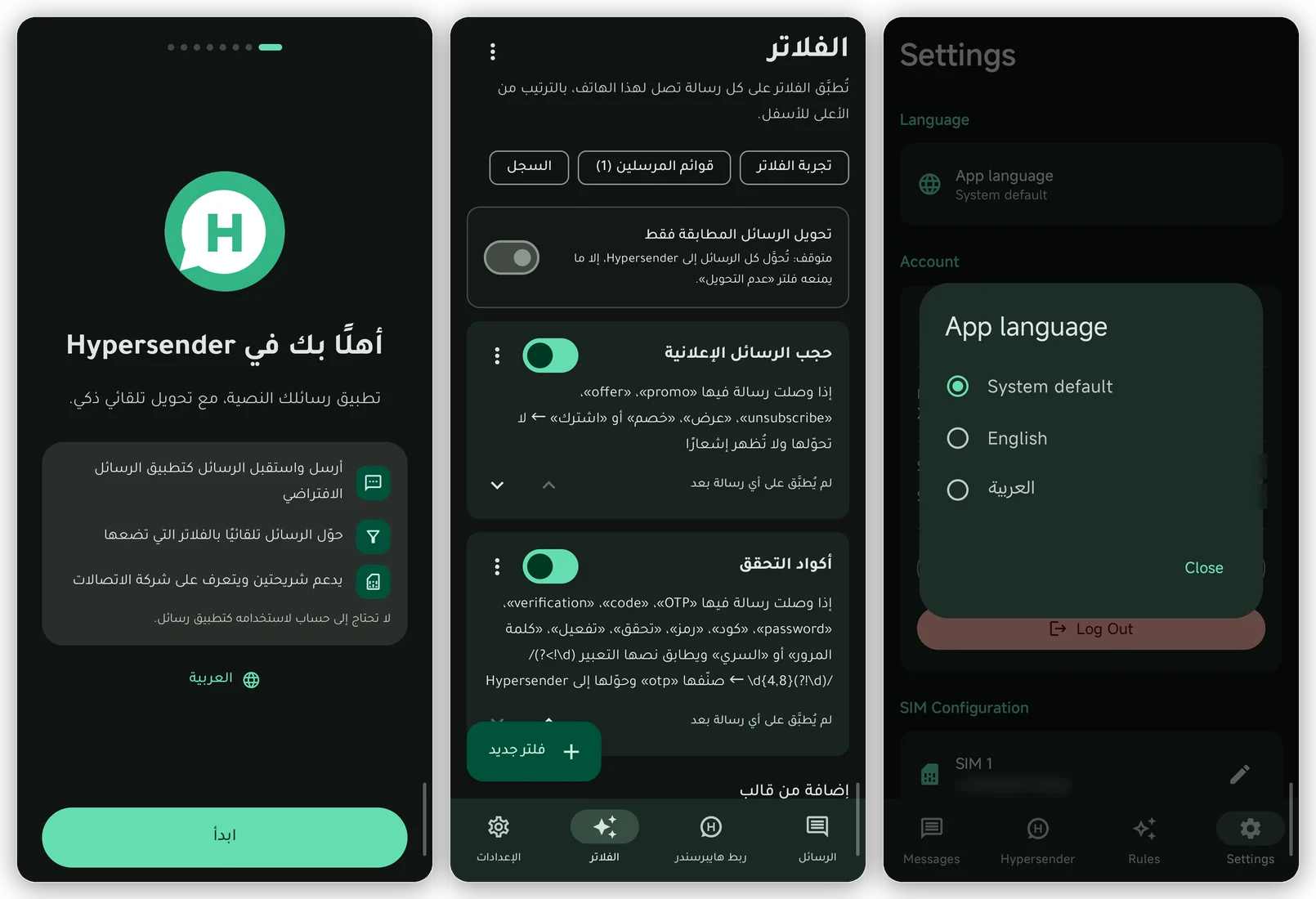
Every screen, notification, and dialog is now available in Arabic, with right-to-left layouts. Pick the language in Settings → App language. It switches at once, with no restart. Phone numbers and codes stay readable inside Arabic text, and keywords in rules match Arabic messages even when letters or diacritics differ.
A messaging app you can use every day
Hypersender is also your default SMS app, so the conversation screens matter. You can now:
- Long-press a message to copy it, share it, or see its details.
- Tap links, phone numbers, and email addresses.
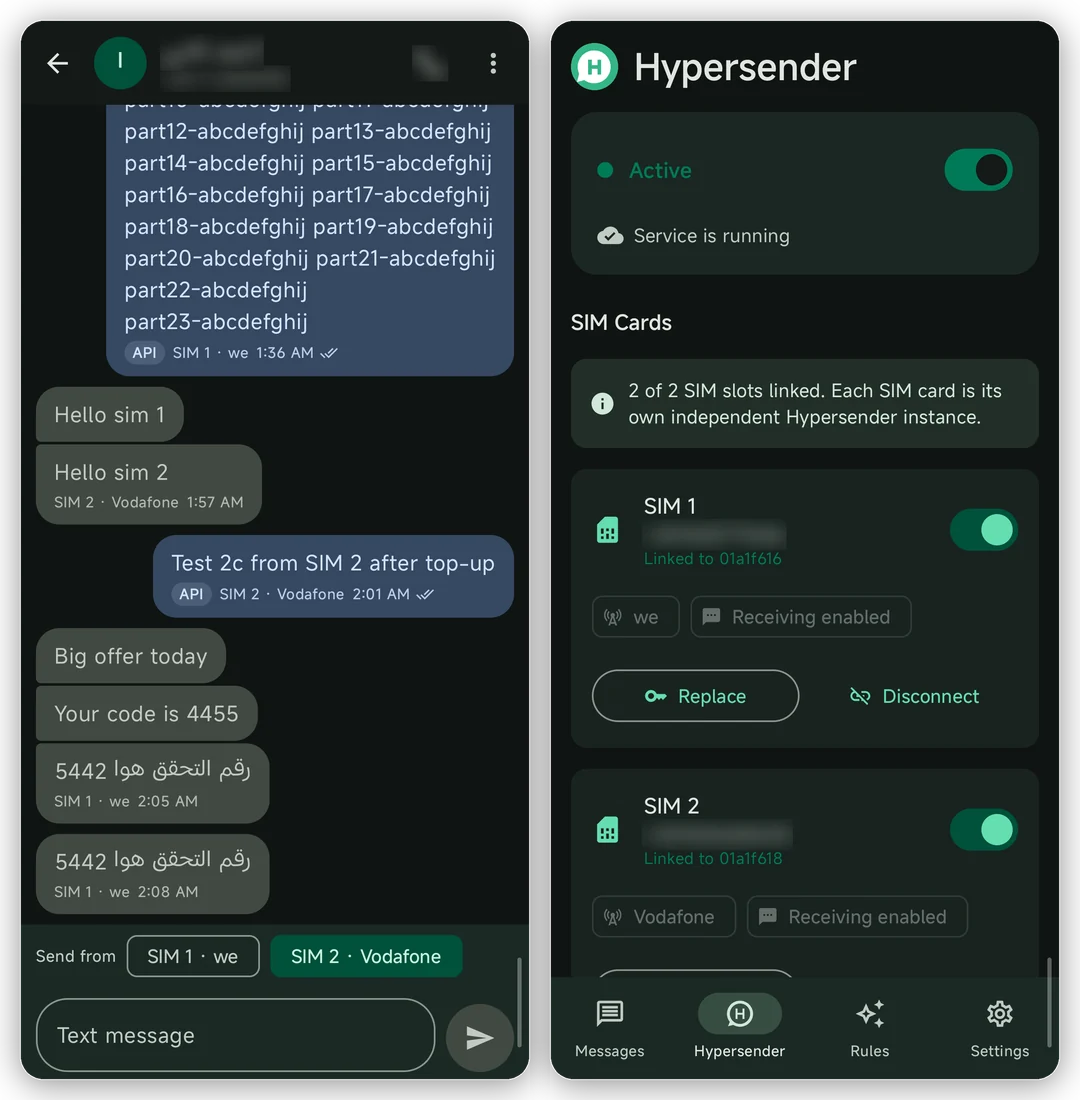
- See which SIM sent each message, whether it came from the API, and whether it was delivered.
- Tap a failed message to send it again.
The new Hypersender tab shows the status of each SIM, which account it is linked to, and when the phone last reached our servers.
A shorter setup that keeps the phone working
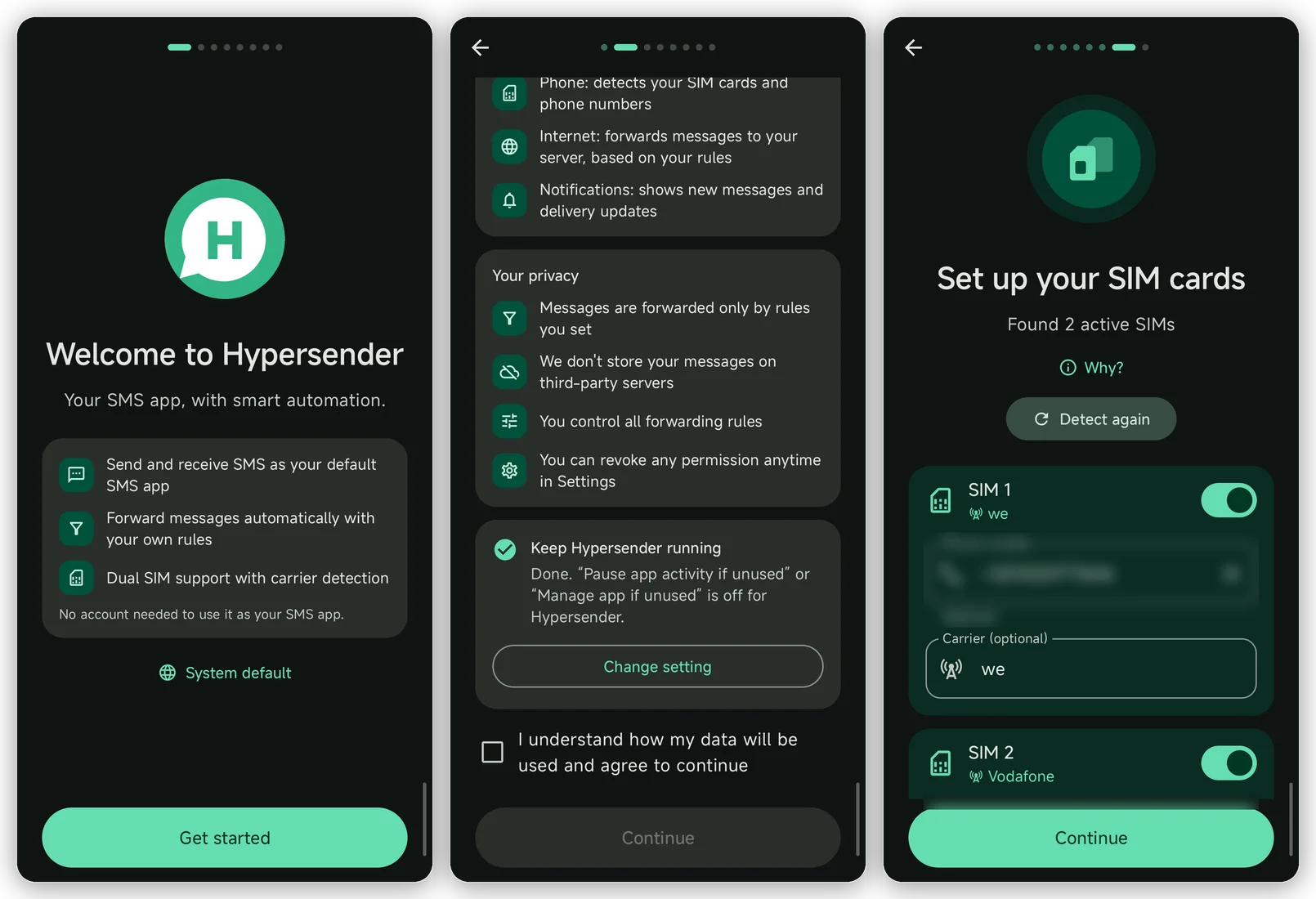
The first-run setup now takes a few taps. It still explains what the app accesses and why, then walks you through the default SMS app, permissions, and your SIM cards. You don't need an account to use Hypersender as your SMS app; you can link one later from the Hypersender tab.
One step deserves attention. If the app is not opened for a few months, Android can pause it, and messages stop being forwarded. The setup now tells you exactly which switch to turn off on your phone and opens the right screen for you. Our docs show the same steps with screenshots: Keep the app running in the background.
More reliable sending
A lot of this release is work you won't see:
- Long messages report one "sent" and one "delivered" event, not one per part.
- Delivery reports reach the right message on dual-SIM phones.
- Retrying a request with the same
request_idreturns the original message instead of sending it twice. - A phone that can't receive send requests now says so in the app and in the API response, with a one-tap fix.
- Updates come from Google Play only. If a version is too old, the app shows an update button that opens the Play Store.
How to update
Open Google Play on the phone and update Hypersender SMS, or open the listing. Your linked SIM cards, settings, and messages stay as they are.
New to the app? Follow the SMS quick start to install it and send your first message from the API.