How this workflow fits
Connect CRM events to messaging
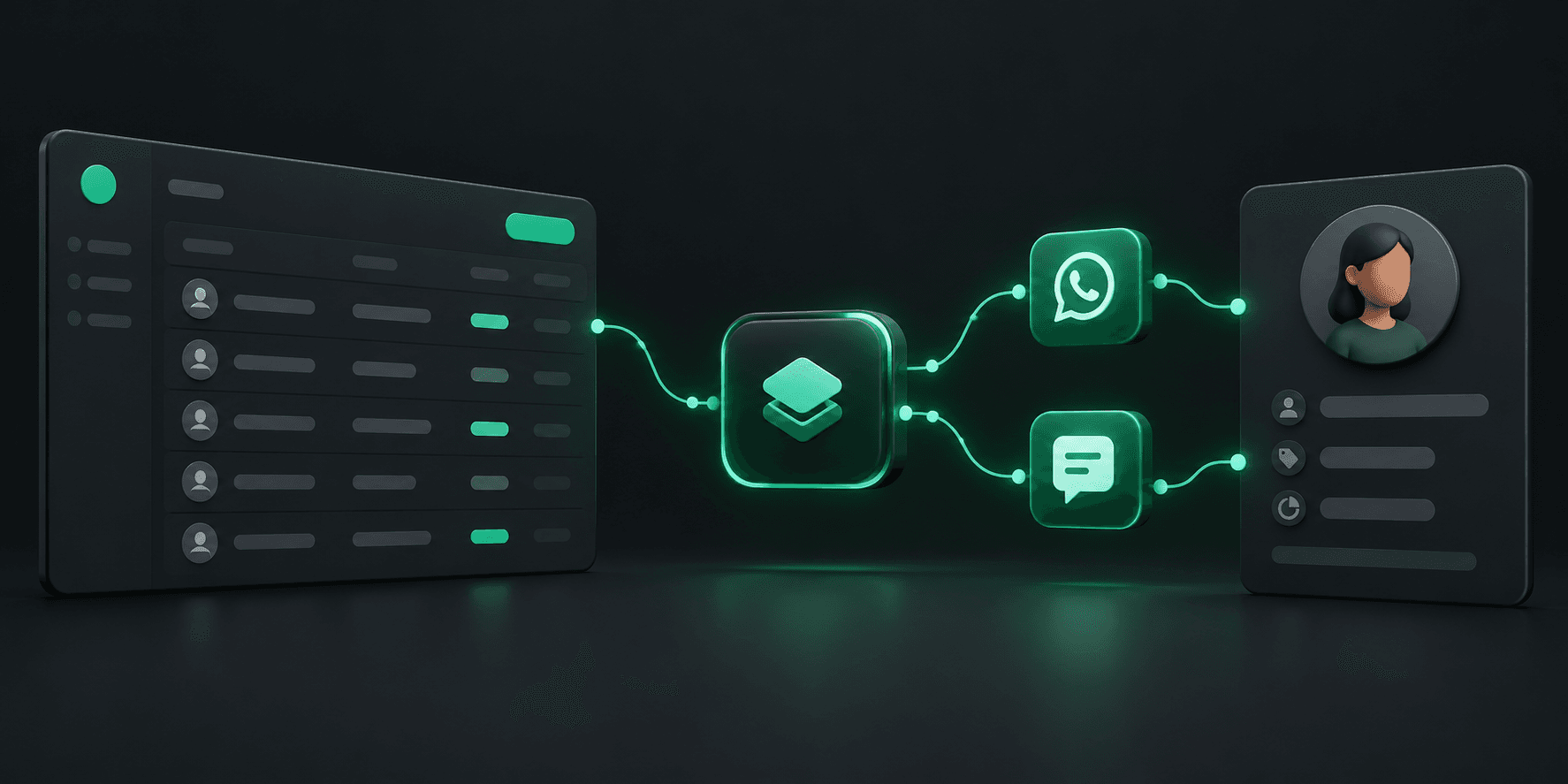
A CRM integration can turn a change in your own system into an outbound message. For example, your application can read an approved status change and call Hypersender with the recipient and message content. Your CRM remains the source of customer and record data.
- Choose the CRM events that should trigger a message.
- Map the relevant record fields to your application’s API request.
- Keep message content aligned with your customer consent and communication rules.
Use webhooks for the return path
Messaging workflows can also send event data back to your system. Configure a webhook endpoint in your application, validate incoming requests, and use the event to update a CRM record or notify a team member.
- Store event identifiers so repeated events can be handled safely.
- Log webhook outcomes and make your endpoint resilient to retries.
- Limit the data you retain to what the workflow needs.
Build the integration around your CRM
Hypersender provides the messaging API and webhook events; the CRM connection is implemented in your application or integration layer. Check your CRM’s API permissions and rate limits, then test with a small workflow before expanding it.
- There is no assumption of a prebuilt native connector.
- Your app controls business rules, message timing, and error handling.
- Review the API documentation before choosing an implementation.