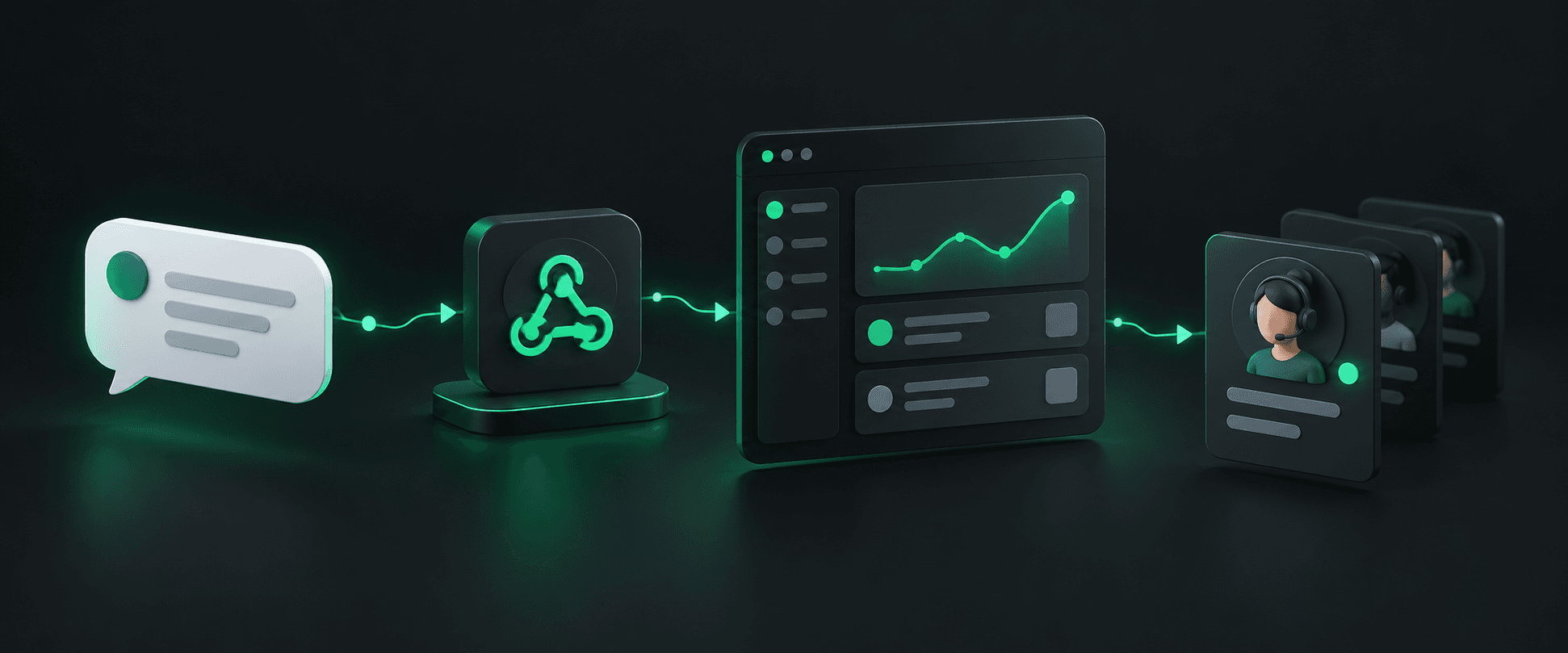
How this workflow fits
Send events to your application
Configure a public webhook endpoint in the service that owns your workflow. When Hypersender sends an event, your endpoint can inspect it and pass relevant information to your CRM, support software, internal dashboard, or another service you operate.
- Use HTTPS and validate webhook requests.
- Return a timely response and process longer work asynchronously.
- Map only the event fields needed by the receiving system.
Build a reliable event handler
Webhook handlers should account for repeated delivery, temporary outages, and unexpected payloads. Make processing safe to retry and keep enough logs to investigate errors without retaining unnecessary message data.
- Use event IDs or another deduplication key where available.
- Keep webhook processing separate from slow downstream work.
- Monitor failures and provide a way to replay or investigate events.
Connect events to the right next step
Your application decides what an event means and which team or system should respond. For example, it may associate an inbound message with a customer record and create an internal task. Hypersender supplies the event connection; your existing tools provide the workflow and agent experience.
- Define ownership for events that need a human response.
- Keep customer context access controlled.
- Test the endpoint with the event types your integration uses.